
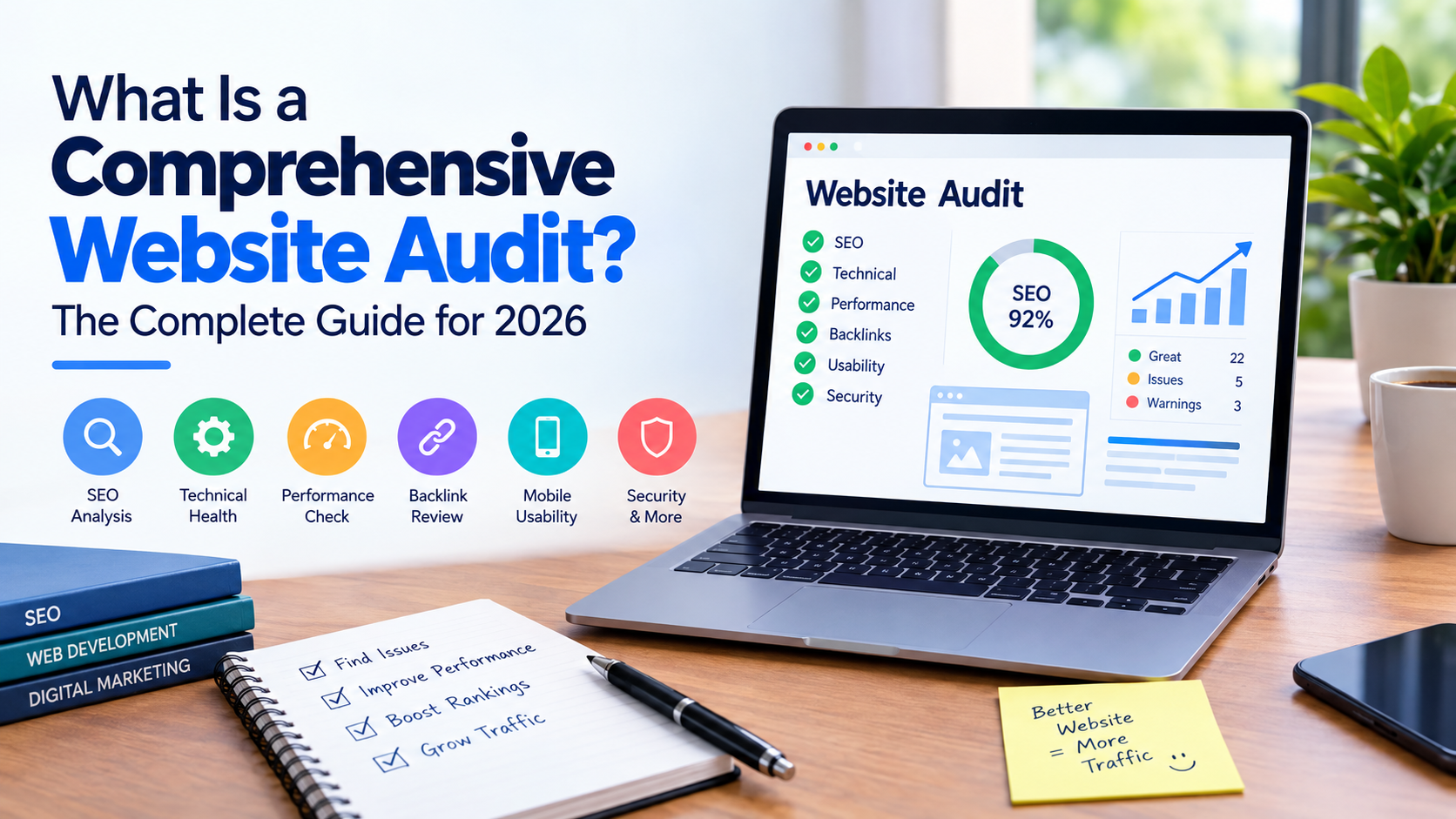
A comprehensive website audit is a look at how well a website is working. It checks the side how it shows up in search engines the quality of the content how easy it is for people to use how safe it is and how visible it is overall. It helps find problems that might stop a website from doing getting visitors or turning those visitors into customers.
In 2026 a website audit is more than looking at keywords and links. Search engines are looking at things like how people feel when they use a page how helpful the content is, how good it is on mobile devices how structured the data is, how easy it is to move around and how fast the website works.
What Is a Website Audit?
A website audit is a step-by-step look at parts of a website to find mistakes, weaknesses and places where it can get better.
A full audit usually includes:
SEO
On-page SEO
Content quality
Website speed
Mobile usability
Internal linking
Backlinks
User experience
Security
Conversion performance
Search engine visibility
The purpose is not just to make a list of mistakes. A good audit should say what is wrong why it matters and what should be fixed first.
Why Is a Website Audit Important in 2026?
Competition in search is getting harder and even websites that are technically good can lose traffic when important problems are missed.
A website audit can help you find:
Pages that search engines can’t crawl
links inside or outside the site
Pages that take too long to load
Content that is not good enough or not enough
Missing information about the page
Bad experience on phones
Links inside the site that are not working
Problems with how pages are indexed
Images that are not optimized
Security problems
Pages that are getting less traffic from search
Regular audits also help businesses see if their current SEO plan is working.
- Technical SEO Audit
Technical SEO is one of the important parts of a website audit.
The audit should check if search engines can crawl, understand and add your website to their list.
Key Checks to Make
Check your:
XML sitemap
Robots.txt file
Canonical tags
HTTP status codes
Redirects
404 errors
If pages are added to the list
How HTTPS is set up
How URLs are built
How JavaScript is handled
If there are URLs
If pages are not linked to anything
For example a good product page might not get any traffic because it is accidentally stopped from being seen by search engines.
- On-Page SEO Audit
On-page SEO looks at each page. How well it targets the right search terms.
Check:
Title tags
Meta descriptions
H1 headings
H2 and H3 structure
Where keywords are used
text for images
How URLs are built
Internal links
If the content is relevant
If the content matches what people are looking for
Every important page should have a clear goal and offer information that matches what people are searching for.
Don’t just put keywords in every paragraph. Natural language and useful information are more important than repeating the words.
- Content Audit
A content audit checks if the information on your website is helpful, correct, relevant and up to date.
Look for:
Old articles
Pages that have little content
Duplicate content
Pages that cover the same topic
Topics that are missing
Weak introductions
Unclear reasons why people are looking for this
Claims that are not supported
Articles that are not well organized
You can group your content into different actions:
Content Type What to Do
Good and up to date Keep and improve
Helpful but outdated Update
Same as another page Combine
Not enough but useful Expand
No value or purpose Think about removing
The goal is to have a website where every important page has a good reason to be there.
- Website Speed and Core Web Vitals
How fast a website is affects how people feel and how well it shows up in search.
During an audit look at the numbers for Core Web Vitals such as:
Contentful Paint (LCP)
Interaction to Next Paint (INP)
Cumulative Layout Shift (CLS)
Also check big images, too many scripts, extra tools, slow server times and other things that make pages slow.
A faster website gives an experience especially for people using mobile connections.
- Mobile SEO Audit
A website may look good on a computer. Not on a phone.
Check if:
Text is easy to read
Buttons are easy to press
Navigation works
Images fit the screen
Important content is easy to find
Pop-ups do not get in the way
Forms work well
Because many people use phones mobile usability should be part of every website audit.
- Internal Linking Audit
Internal links help people move around the site and help search engines understand how pages are connected.
An audit should find:
pages with few links
Pages with no links
Broken links
Too many links
Poor words to click on
Pages that get a lot of links but don’t add much value
A strong linking system connects supporting articles to important pages that sell or offer services.
- Backlink Audit
Backlinks are still important for SEO. Having many does not mean they are good.
Check your backlinks for:
Websites that are related
Links that’re no longer there
Strange patterns
Broken links
Links that are not natural
How the links are described
If links point to important pages
The focus should be on the quality and relevance of the links not just how many there are.
- User Experience and Conversion Audit
SEO brings people to your website. Good user experience helps them take action.
Check:
How easy it is to navigate
How clear the calls to action are
How well forms work
How good product pages are
How the checkout process works
How trust is shown
How easy it is to read
How pages are laid out
How accessible they are
How people move to take action
For example if a service page has a lot of traffic but not many inquiries the problem might not be SEO. The page might need words or a simpler way to take action.
- Security Audit
Security should be included in any website check.
Check for:
HTTPS
Problems with the SSL certificate
software
Vulnerable tools
Signs of malware
Extra user accounts
Weak password protection
Website security is very important for sites that collect personal info or take payments.
How to Do a Full Website Audit
A good audit can follow these steps:
Step 1: Decide What You Want
Figure out what you want the audit to do.
For example:
Get people from search
Improve rankings
Fix technical issues
Improve conversions
Reduce people leaving quickly or not engaging
Get ready for a new website
Step 2: Look at the Website
Use a good tool to find technical and structure problems.
Step 3: Check How Well It Is Doing in Search
Look at clicks, views, rankings how many pages are. How well landing pages do.
Step 4: Check the Best Pages
Look at your important pages and not just rely on tools.
Step 5: Look at the Content
Find old repeated, weak or missing content.
Step 6: Check the Links
Look at outside links for problems and chances to improve.
Step 7: Rank the Problems
Not all issues need to be fixed away.
A good way to rank is:
priority: Problems that stop crawling, indexing, security or major money pages.
Medium priority: Issues that affect user experience, content or internal links.
Priority: Small changes that don’t matter much right now.
Step 8: Make a Plan
Turn your findings into tasks set priorities and track changes after they are made.
How Often Should You Audit a Website?
There is no one size fits all for how to do an audit.
A small website might need an audit once or twice a year plus regular checks.
Larger websites, online stores and sites that change often may need frequent checks.
You should also do an audit after:
A redesign
Moving the website
Traffic drops
Major SEO changes
Changing content management systems
Big drops in rankings
Security problems
Common Mistakes in Website Audits
One mistake is only looking at keyword rankings.
Other mistakes include:
Fixing problems before big ones
Relying only on automated reports
Ignoring how people use the site
Publishing content without checking if it matches what people want
Not checking how the site works on phones
Making too many low-value pages
Not seeing if changes helped
A good audit uses data and human checks.
Final Thoughts
A comprehensive website audit gives a plan for making a website in many ways like how it works how it shows up in search how it is written how fast it is, how people use it and how it helps people take action.
The best audit is not the one with the mistakes. It is the one that finds the important issues and turns them into a plan for improvement.
In 2026 businesses should treat website audits as something they do often not once. Regular checks can help keep websites working helpful for people and ready for new changes, in search and technology.


