
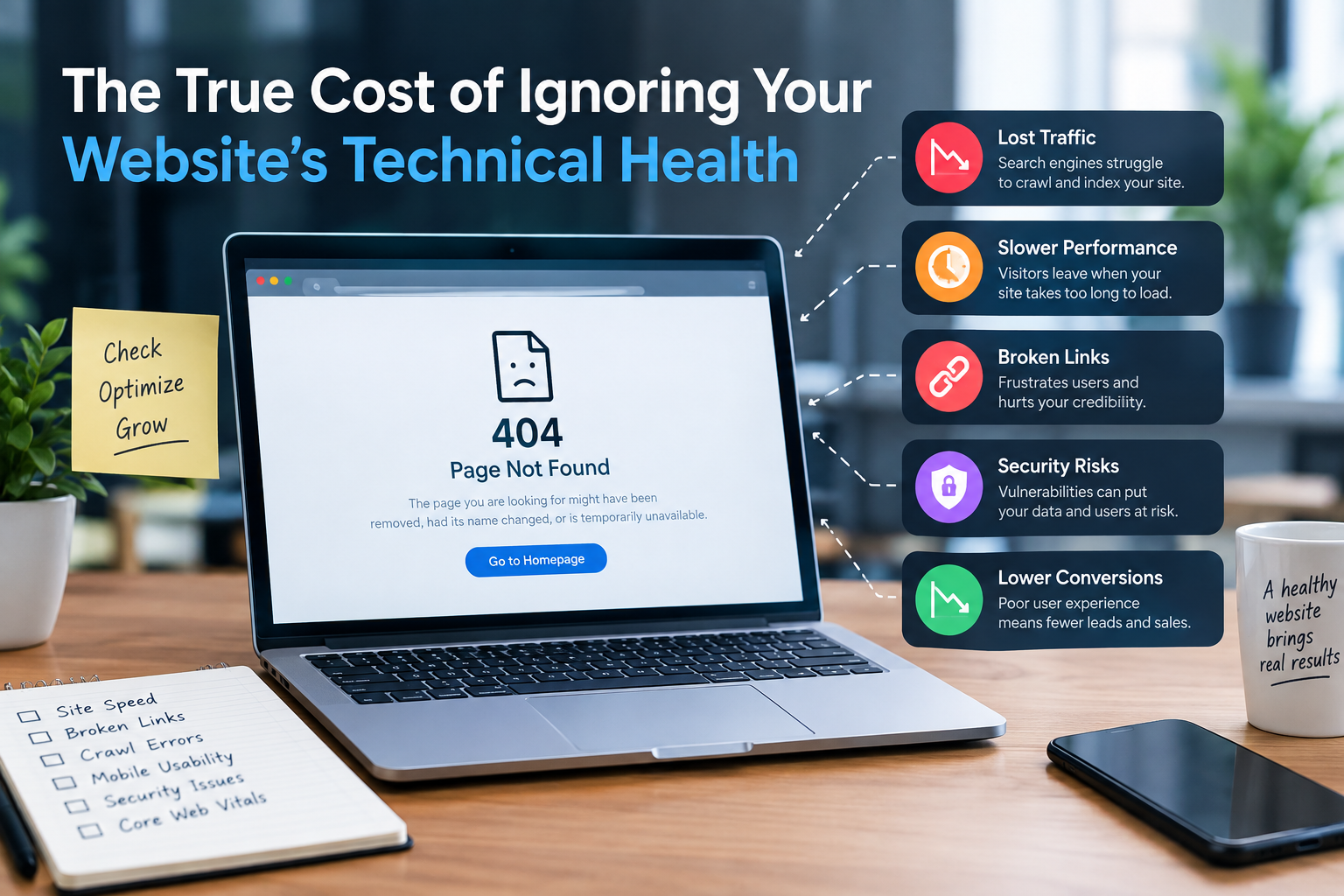
A website can look beautiful. Still it might fail in search results. It could frustrate visitors drive customers away and hurt business growth. Many companies spend a lot of time on content, backlinks and design.. They often miss the technical side that keeps a website fast, secure and easy for search engines to understand.
Ignoring issues rarely causes one problem. Small mistakes can add up over time. This affects search engine performance, user experience, conversions and how visible a site is online.
What Is Website Technical Health?
Website technical health means the parts of a website that support how it runs. Not what it looks like. It includes things like:
- Website speed and Core Web Vitals
- Mobile responsiveness
- HTTPS and security
- Crawlability and indexability
- XML sitemaps
- Robots.txt settings
- Broken links and redirect problems
- messy pages
- Structured data
- JavaScript and rendering issues
- Server performance
A technically healthy website makes it easier for search engines to find, crawl and understand your pages. When these pieces work well your site stands a chance of ranking and serving users properly.
- Lost Organic Search Visibility
One of the consequences of technical health is losing visibility in organic search. Search engines need to crawl your site before they can show its pages in results. If there are problems with robots.txt rules accidental noindex tags, broken internal links or weak site structure important pages may never be indexed.
Even if your content is great it won’t help you attract traffic if search engines can’t access or read it. A technical SEO audit helps catch these issues so they don’t grow into problems.
- Poor Website Performance
Slow websites create friction from the start. Large images, many scripts, unoptimized code, slow hosting and many third-party tools all add up. These factors make pages load slowly on devices or slower internet connections.
Users often leave before a page finishes loading. That’s why improving performance matters—not just for SEO but also for keeping people on your site. Ways to improve include:
- Compressing images
- Removing scripts
- Improving server response times
- Using browser caching
- Cleaning up unused code
- Optimizing page resources
Website speed should be seen as both an issue and a user-experience concern.
- Higher Risk of Losing Leads
problems directly impact sales and conversions. Imagine someone visiting your site to buy something. But their contact form doesn’t work a product page has errors or checkout fails. They’ll likely leave without buying.
These lost opportunities are hard to spot because businesses don’t always know how many visitors left due to errors. Regular testing of paths like forms, checkout and product pages can help uncover these hidden issues.
- A Poor Mobile Experience
Mobile usage continues to grow. Most people browse the web using smartphones. Even if a site loads on mobile it might still feel frustrating to use. Text can be tiny buttons images overflowing the screen or critical elements buried under too much scrolling.
A good technical audit checks how well important pages perform across phone sizes. Here are some mobile checks to run:
- Can text be read easily?
- Does navigation work?
- Are buttons easy to tap?
- Do images fit the screen?
- Do forms function properly?
- Do pages load quickly?
- Is essential content still visible?
- Broken Links and Redirect Problems
Websites change all the time. Pages get deleted URLs are updated old content is replaced. Without maintenance this leads to links and incorrect redirects.
For example a page that once got a lot of traffic might be removed without sending users to a page. Internal links might point to addresses that no longer exist. These issues hurt both users and search engines.
A solid site maintenance routine should check for:
- 404 errors
- Redirect chains (sequences)
- Redirect loops
- Broken internal links
- Broken links
- Incorrect canonical URLs
Fixing these issues creates a cleaner more efficient website structure for everyone.
- Security Problems Can Damage Trust
Technical health isn’t about SEO. Security is equally important. An insecure website puts both businesses and users at risk. It could expose information. Allow hackers to take control.
Using HTTPS updating software regularly securing admin accounts and watching for activity are basic steps in good maintenance. A vulnerable site may lose customer trust—especially when people think about entering payment details or personal data.
Security issues can damage a brand’s reputation. Long after the initial breach happens.
- Technical Debt Becomes Expensive
Small technical problems become harder to fix the longer they go unchecked. A small site with pages might be simple to clean up. A large site with thousands of URLs, redirects, duplicate content, old plugins and inconsistent templates? That’s a challenge.
This builds up what we call debt. Over time fixing everything becomes costlier and more complex. The solution? Keep things maintained regularly.
How Often Should You Check Technical Health?
There’s no one-size-fits-all answer. A small business site might do checks every months. Larger sites—like e-commerce platforms or updated blogs—need monitoring.
The best method combines automated tracking with audits done times a year. You should also run checks after:
- Website migrations
- Site redesigns
- Domain changes
- Major CMS updates
- Big URL changes
- New content launches
How to Protect Your Website’s Technical Health
Technical SEO should not be a one-time task. It needs attention. Set up a maintenance process that includes:
- Monitoring uptime and site performance
- Checking crawl and indexing issues
- Reviewing pages regularly
- Testing forms and conversion flows
- Fixing links soon as possible
- Watching for mobile usability issues
- Keeping plugins and software updated
- Reviewing redirects after URL changes
- Maintaining accurate XML sitemaps
- Running technical audits on schedule
Final Thoughts
The real cost of ignoring technical health goes beyond broken links or slow pages. Poor technical performance reduces search visibility harms user experience wastes marketing efforts and leads to lost sales.
A strong website provides a foundation, for SEO, content strategy, user satisfaction and conversions.
Of waiting for traffic to drop or rankings to fall businesses can stay ahead by doing regular technical audits and constant monitoring. That way your website stays functional, fast and ready to serve both users and search engines.


