
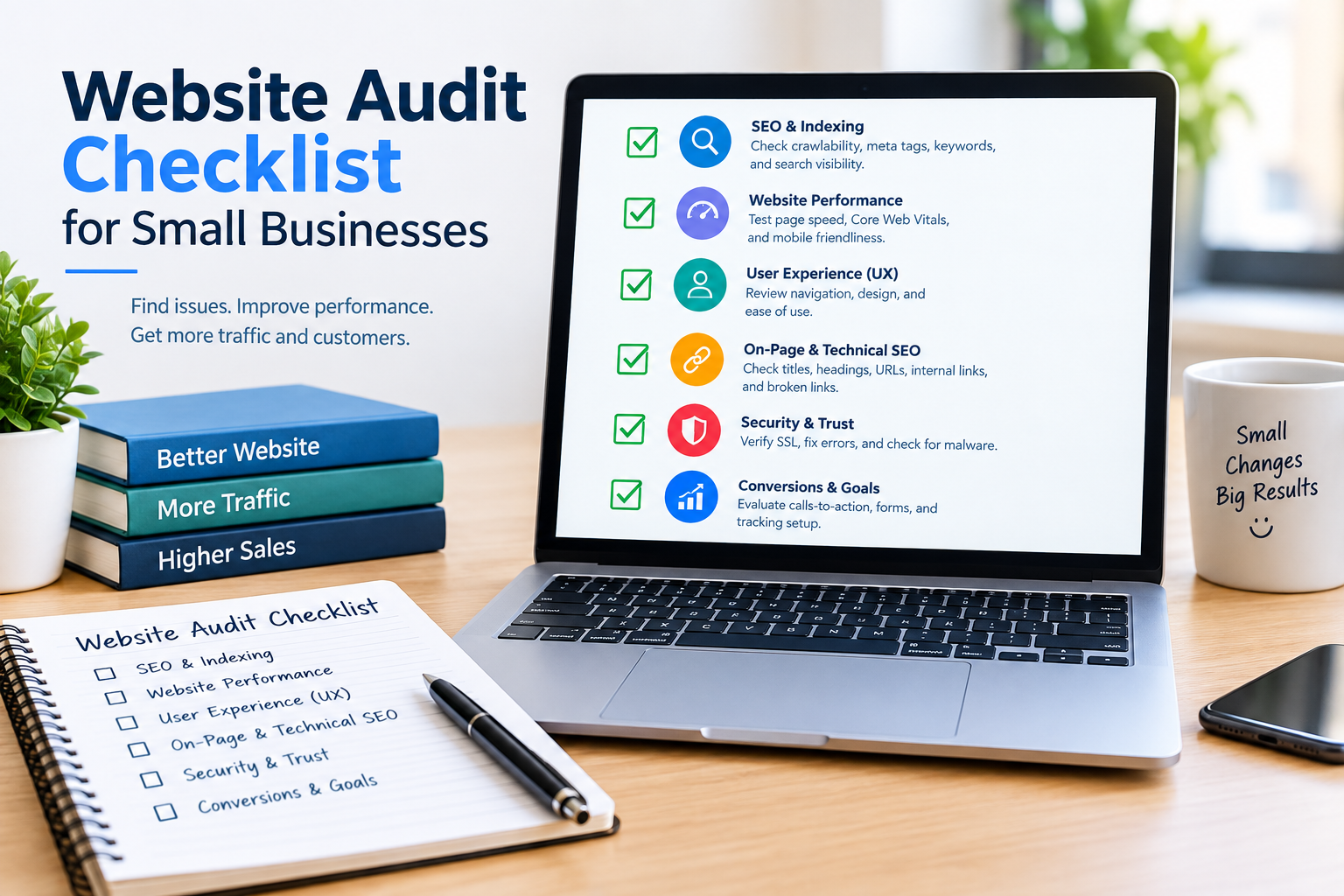
Small businesses often operate with limited marketing resources. That makes it important to identify website problems that can affect visibility, leads, and customer experience.
Use this checklist as a starting point.
Technical SEO Checklist
Here are the SEO elements to check:
Check:
- HTTPS
- XML sitemap
- Robots.txt
- Indexation
- Canonical URLs
- Redirects
- 404 pages
- Broken links
- URL structure
Website Speed Checklist
Speed matters so review these items:
Review:
- Page loading performance
- Large images
- Unnecessary JavaScript
- CSS
- Server response
- Caching
Example
I have seen this happen at a local restaurant. A restaurants homepage may contain several large hero images. Compressing appropriately sized images can help reduce page weight.
Mobile SEO Checklist
When testing on phones I always check these:
important pages on multiple mobile devices or screen sizes.
Check:
- Font size
- Navigation
- Buttons
- Forms
- Images
- Page layout
On-Page SEO Checklist
On-page elements are crucial. Review these:
Review:
- Page titles
- Meta descriptions
- H1 headings
- H2/H3 headings
- Keyword relevance
- Internal links
- Image alt text
Content Checklist
Content is king so ask these questions:
Ask:
- Does the page answer the visitors question?
- Is the information accurate?
- Is the content current?
- Does each page have a purpose?
- Are important services explained?
Local SEO Checklist
Local presence matters so check these:
For businesses serving locations, review:
- Business name consistency
- Address and phone details
- Local landing pages
- Google Business Profile information
- Customer reviews
- Local citations
Conversion Checklist
Conversions need attention so review these:
Review:
- Contact forms
- Phone numbers
- Calls to action
- Pricing information
- Trust signals
- Checkout process
Practical Example
I have seen repair companies like this. A local repair company may have search visibility but receive few inquiries because the phone number is difficult to find. A UX and conversion review could identify this issue.
Security Checklist
Security is non‑negotiable so ensure these:
Make sure the website uses HTTPS and that its CMS, plugins, themes and other software components are appropriately maintained.
How to Prioritize Problems
Prioritization saves time so use these categories:
Use four categories:
- Critical: Fix
- High: Address soon
- Medium: Schedule
- Low: Improve when practical
FAQs
I get these questions often.
How often should a small business audit its website?
A business should consider reviews and additional audits after major redesigns, migrations or significant technical changes.
Can a small business audit its website without an agency?
Yes. Basic checks are possible although complex websites may benefit from analysis.
What should I check first?
Start with technical, security, indexation and conversion problems.
How much does an audit cost?
Pricing varies according to website size, complexity, audit depth and provider.
Internal-link opportunity: Add a link from professional website audit, for small businesses to your Website Audit Service page.


