
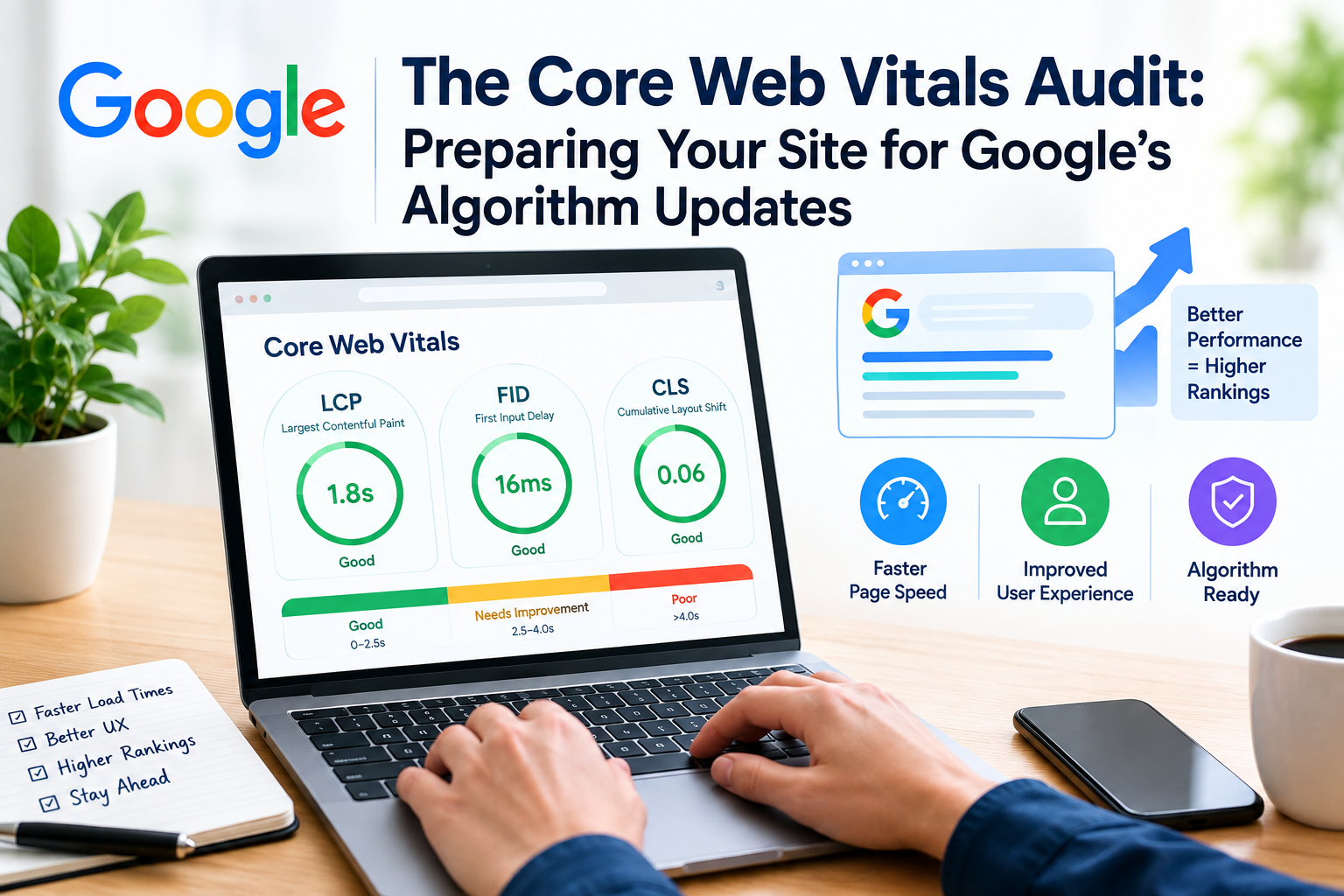
Website performance is a part of modern SEO. Search engines look at signals when they try to understand how good a website is. Users also expect pages to load fast and work smoothly. A good website speed helps keep visitors happy and makes it easier for search engines to rank the site well.
A Core Web Vitals audit helps website owners spot problems related to loading, responsiveness and visual stability. Of waiting for traffic or user engagement to drop businesses can check their website performance regularly and fix technical issues early. This proactive approach saves time. Keeps users satisfied.
What Are Core Web Vitals?
Core Web Vitals are performance metrics that measure parts of the page experience. These metrics focus on what users feel when they visit a website. The main metrics include:
Contentful Paint (LCP): Measures how quickly the largest visible content on the page loads.
Interaction to Next Paint (INP): Measures how fast the page responds when users interact with it.
Cumulative Layout Shift (CLS): Measures how stable the page layout is as it loads.
These metrics give developers a picture of how real users experience the website.
Why Should You Conduct a Core Web Vitals Audit?
A website might seem fast on your computer but it can perform very differently for visitors using slower devices or weaker internet connections. An audit can help uncover issues such as:
- Slow-loading resources
- Heavy JavaScript code
- images
- Unexpected layout shifts
- Server response delays
- Problems with third-party scripts
- Mobile performance issues
Finding these problems gives your development team a clear plan to improve the website. It turns guesswork into action.
- Review LCP
LCP focuses on how the largest visible content element loads. This could be a hero image, a video or a big banner. If these elements take long the page may feel slow to load.
To improve loading performance consider:
- Compressing images to make them smaller
- Using image formats like WebP or AVIF
- Improving server response time
- Removing unnecessary resources
- Optimizing the content that matters most
- Using caching methods to speed up repeated visits
The goal is to make the important parts of the page appear as quickly as possible.
- Audit INP
INP looks at how a page responds when users interact with it. If buttons, menus or forms feel sluggish that’s a sign of INP. Heavy JavaScript can cause delays in response.
An audit should find scripts that use much browser power. Developers can improve responsiveness by:
- Reducing JavaScript
- Optimizing event handlers
- Delaying non-essential scripts
These changes help the page feel more responsive especially on slower devices.
- Check CLS
Have you ever clicked a button and had the page move beneath your finger? That’s a layout shift. CLS helps identify this kind of problem.
Layout shifts happen when images don’t have defined sizes ads load unexpectedly or fonts and dynamic content change the page layout. These changes can be. Frustrating.
To reduce movement:
- Reserve space for images so they don’t push other content
- Set width and height dimensions for media
- Manage dynamic content carefully
- Optimize font loading to avoid flash of invisible text
- Avoid adding content above existing content
These steps help keep the page stable and improve user trust.
Mobile Performance Matters
A Core Web Vitals audit must include testing on devices. Mobile users often have networks, smaller screens and less powerful phones than desktop users.
Test pages like landing pages, product pages, blog posts and conversion pages. Do not focus on the homepage. A checkout page or service page can still ruin the user experience.
Use Real-World Data Where Possible
Lab testing’s useful during development but real-user data gives a more accurate picture. Compare templates, page types, devices and locations. Performance can vary widely across visitors.
Don’t assume one test shows everything. Focus on your site’s data. Real-world insights help you fix problems that matter most to visitors.
Core Web Vitals and SEO
Core Web Vitals should not be seen as a replacement for content, strong technical SEO or meeting search intent. They are part of a strategy to improve website quality.
Even if a website is fast it still needs content that answers users’ questions. Speed and content go hand in hand.
Final Thoughts
A Core Web Vitals audit gives businesses a way to understand website performance. By checking loading speed, responsiveness and visual stability you can find issues that hurt the user experience.
Regular performance checks are especially helpful when redesigning a website adding features or making major technical changes. They help keep the site fast, stable and user-friendly, over time.


