
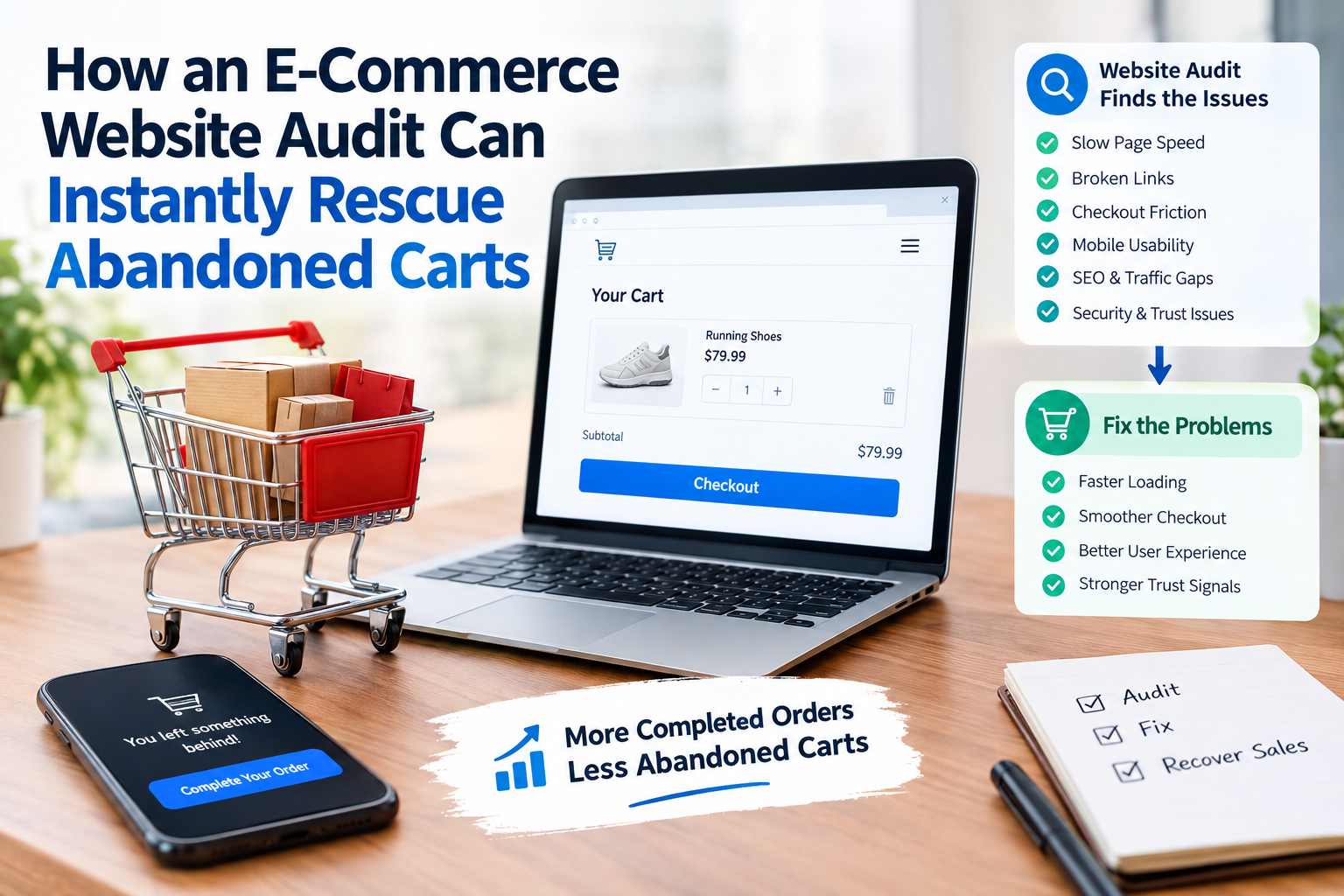
Abandoned carts are a challenge for e-commerce businesses. A visitor may add products to the cart begin checkout and then leave without finishing the purchase.
Although abandoned carts can happen for reasons website problems are often ignored. Slow pages, checkout forms, unexpected costs, poor mobile design and payment problems can all stop customers from finishing an order.
A professional e-commerce website audit can reveal these problems. Show exactly where potential customers drop out.
What Is an E-Commerce Website Audit?
An e-commerce website audit is a review of the online stores technical performance, user experience, SEO, security and conversion process.
Of only checking if the website is online an audit examines how well it helps visitors find products and finish purchases.
A typical audit reviews:
- Website speed
- Mobile usability
- Product pages
- Shopping cart
- Checkout process
- Payment options
- Navigation
- Technical SEO
- Website security
- Analytics and conversion tracking
Why Customers Abandon Their Carts
Understanding why abandoned carts happen is the step toward fixing them.
Unexpected Costs
Customers may be ready to buy until they see shipping fees, taxes or extra charges at checkout.
Make important costs clear before the customer reaches the payment page.
Complicated Checkout
A checkout that needs many fields can create extra friction.
Consider reducing the number of required fields and allowing guest checkout when it fits.
Slow Website Performance
A customer should not have to wait seconds for a product or checkout page to load.
An audit can find images, unnecessary scripts, third‑party tools and other elements that affect performance.
Poor Mobile Experience
Many shoppers use smartphones. If buttons are hard to tap forms are awkward or pages do not display correctly customers may leave.
How an Audit Can Recover Lost Sales
A website audit does not just find problems. It creates a roadmap for improvements.
Review the Checkout Funnel
Use analytics to find the stage where visitors leave.
For example:
Product page → Add to cart → Cart → Checkout → Payment → Purchase
If many users leave between checkout and payment investigate payment errors, unexpected costs or trust concerns.
Improve Product Pages
Product pages should answer customer questions before checkout.
Include:
- product images
- Pricing
- Availability
- Delivery information
- Return policy
- Product specifications
- Customer reviews
- Clear calls to action
Build Trust
Security concerns can stop customers from finishing purchases.
Make key trust signals easy to find such as payment options return policies contact information and customer support details.
Don’t Ignore Website Analytics
An audit should link website problems with customer behavior.
Review:
- Cart abandonment rate
- Checkout abandonment
- Conversion rate
- Device performance
- Landing pages
- Traffic sources
- Exit pages
This makes optimization more data‑driven.
Final Thoughts
An e-commerce website audit can reveal problems that quietly cost your business sales. Fixing checkout friction improving usability, speeding page load and strengthening trust can make the buying process easier.
The goal is not just to attract visitors. It is to help more existing visitors finish their purchases.
FAQs
How often should an e-commerce website be audited?
A full audit at once or twice a year is useful with smaller checks after major website or checkout changes.
Can a website audit reduce carts?
It can identify UX problems that cause abandoned carts allowing businesses to fix those issues.
Should mobile checkout be audited separately?
Yes. Mobile shoppers often face usability problems, than desktop users.


