
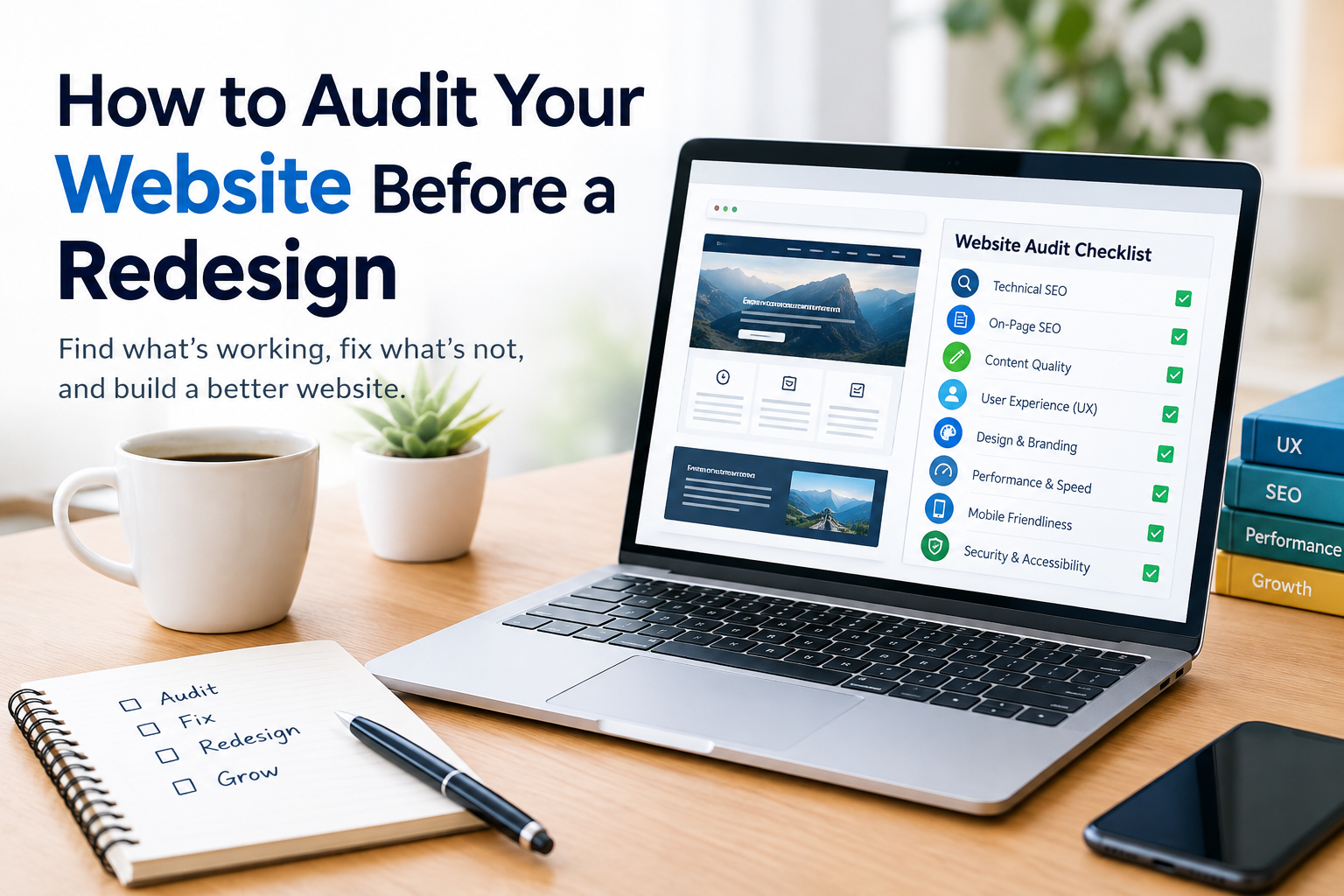
A website redesign is an investment. Changing the design, navigation, content or technology can improve your website. Redesigning without first understanding the existing problems can create new SEO and performance issues.
Before starting a redesign it is important to conduct a website audit. A website audit gives you a picture of what is working what needs improvement and what should be preserved during the redesign.
Whether you run a business website, an e‑commerce store or a large corporate site a pre‑redesign website audit can help you make better decisions and reduce avoidable problems.
Why Audit Your Website Before a Redesign?
A redesign should solve existing problems than simply change how the website looks.
A website audit can help you identify:
- SEO problems
- Poor‑performing pages
- Broken links
- Slow‑loading pages
- mobile usability
- Duplicate content
- Outdated content
- Navigation problems
- Conversion issues
- Technical errors
Without a website audit you may accidentally remove pages that already generate traffic or change URLs without creating appropriate redirects.
The website audit gives your redesign team a baseline to work from.
1. Review Your Current Website Performance
Start by examining how your website performs before making any changes.
Look at metrics such as:
- Organic traffic
- Top landing pages
- Conversion rates
- Bounce or engagement metrics
- Page speed
- performance
- Traffic sources
*. Sales
- Search visibility
Record the current performance so you can compare it with the redesigned website later.
This baseline is especially useful if your website receives traffic from search engines.
2. Identify Your Most Valuable Pages
Not every page on your website has the value.
Before a redesign identify pages that generate:
- Organic traffic
- Leads
- Sales
- Backlinks
- Social traffic
- Brand visibility
Use your analytics and SEO data to create a list of URLs.
These pages should receive attention during the redesign. Avoid deleting or substantially changing pages without understanding their role.
3. Perform an SEO Audit
A pre‑redesign SEO audit should examine the websites existing search performance and technical foundation.
Review:
- Page titles
- Meta descriptions
- H1 headings
- Heading structure
- Target keywords
- links
- Canonical tags
- Indexability
- Robots.txt
- XML sitemap
- Structured data
- Image optimization
- Duplicate content
The purpose is not to keep every existing element. Instead determine which SEO elements are working and which need improvement.
4. Check Your Websites URL Structure
URL changes are one of the SEO considerations during a redesign.
For example you might currently have:
example.com/services/website-audit
and plan to change it to:
example.com/seo-services/website-audit
If the old URL has search visibility or backlinks changing it without a redirect can cause problems.
Create a list of current URLs before the redesign.
Then determine:
- Which URLs will remain unchanged
- Which URLs will change
- Which pages will be merged
- Which pages will be removed
- Which new pages will be created
This URL mapping becomes a part of the redesign plan.
5. Check for Broken Links
links create a poor user experience and can complicate website maintenance.
Use a website crawler to identify:
- Broken internal links
- Broken external links
- Missing pages
- Incorrect URLs
- links
Fix important broken links before or, during the redesign.
You should also check links again after the new website goes live.
6. Audit Your Website Content
A redesign is an opportunity to review your content.
Create a content inventory. Classify pages as:
Keep: Content that is useful, relevant and performing well.
Improve: Content that has potential but needs information, structure or optimization.
Combine: Similar pages that could be consolidated.
Remove: unnecessary content that no longer serves a purpose.
Avoid deleting pages just because those pages get traffic. Look at the backlinks to those pages how relevant those pages are, whether those pages help with conversions and how strategically valuable those pages are. Make the decision after checking all that.
7. Evaluate Website Navigation
The navigation on your website should help visitors find the important information quickly.
Review:
- Main navigation
- Dropdown menus
- Footer links
- Category structure
- Breadcrumbs
- links
- Calls to action
Ask yourself:
Can a visitor quickly find the most important pages?
If visitors need to click through unnecessary pages to reach a service or product the navigation may need improvement.
A good redesign should make the website easier to understand than simply making it look newer.
8. Check Mobile Usability
The website should work properly across screen sizes.
During your audit check:
- Text readability
- Button sizes
- Navigation
- Image scaling
- Forms
- Pop-ups
- Page layout
- scrolling
Test important pages on smartphones and tablets as well as desktop devices.
A redesign is a time to fix mobile usability problems that have been present on the old website.
9. Audit Website Speed
Website performance can affect user experience and search performance.
Review performance factors such as:
- Page loading time
- Image sizes
- JavaScript
- CSS
- Server response time
- Browser caching
- Unnecessary third‑party scripts
Pay attention to the most important landing pages.
Do not assume that a new website will automatically be faster. A modern design can still become slow if it uses images, excessive scripts, animations or poorly optimized code.
10. Review Core Web Vitals
Core Web Vitals give information about aspects of user experience related to loading, responsiveness and visual stability.
Before the redesign record your performance.
After the redesign test the important pages again.
This creates a before‑and‑after comparison and helps your development team spot performance regressions.
11. Audit Your Conversion Paths
A website can have traffic but still generate poor results if visitors struggle to take action.
Review your conversion paths, including:
- Contact forms
- Quote requests
- Product purchases
- Newsletter sign‑ups
- Phone calls
- Booking forms
- Service inquiries
Identify where visitors may be dropping out.
For example a long form with fields may discourage potential customers. A redesign can simplify the process while keeping the information your business really needs.
12. Review Analytics and Tracking
Make sure your current tracking setup is documented before the redesign.
Review. Tracking such as:
- Google Analytics
- Google Search Console
- Conversion tracking
- Form tracking
- E‑commerce tracking
- Event tracking
- Advertising pixels
Document important tracking configurations before developers replace the existing website.
After launch verify that tracking still works correctly.
A redesigned website can look perfect while silently losing analytics data.
13. Check Your Backlinks
Backlinks can boost the authority and search visibility of a website.
Before changing URLs identify backlinks that point to your existing pages.
Pay attention to:
- High‑authority referring domains
- service pages
- Popular blog posts
- Product pages
- Frequently linked resources
If a URL changes make sure the appropriate redirect is implemented so visitors and search engines can reach the relevant new page.
14. Create a Redirect Plan
Never wait until after launch to think about redirects.
Create a redirect map before the redesign.
A simple spreadsheet can include:
15. Check SEO Before Launch
Before the new website goes live make sure important technical elements are ready.
Check:
- HTTPS
- Canonical tags
- Robots.txt
- XML sitemap
- Meta robots directives
- URL structure
- 301 redirects
- links
- Structured data
- 404 pages
- Usability
- Page speed
Ideally test the redesigned website in a staging environment before making it publicly available.
16. Create a Pre-Redesign Website Audit Checklist
Use this checklist before beginning development:
- Record current organic traffic
- Identify performing pages
- Export existing URLs
- Review rankings
- Check backlinks
- Audit technical SEO
- Find links
- Review page speed
- Check usability
- Analyze website navigation
- Review content quality
- Identify content
- Check conversion paths
- Document analytics tracking
- Create a redirect map
- Review robots.txt
- Check XML sitemap
- Identify internal links
This creates a practical reference for your redesign team.
What to Do After the Website Redesign
The audit process should not stop when the new website launches.
Perform another audit after launch to make sure everything works as expected.
- Redirects
- links
- Indexability
- Robots.txt
- XML sitemap
- Page titles
- Meta descriptions
- tags
- Structured data
- Forms
- Analytics
- Page speed
- Mobile usability
- 404 errors
Compare the websites performance with the baseline you recorded before the redesign.
If traffic or conversions change significantly investigate the cause than assuming the redesign is responsible for everything.
Should You Hire a Professional Website Audit Service?
A basic pre-redesign audit can be performed internally. Complex websites often require a more detailed technical review.
A professional Website Audit Service can examine SEO, content, UX, performance, crawlability, indexing, internal linking and conversion-related issues.
This can be especially useful for:
- websites
- E-commerce websites
- Websites with significant organic traffic
- Sites undergoing URL changes
- Website migrations
- Businesses that depend heavily on search traffic
The goal is to identify risks before they become problems.
Final Thoughts
A website redesign is more than an upgrade. Website redesign can affect your SEO, traffic, user experience, conversions and technical performance.
Auditing your website before the redesign gives you an understanding of websites current condition. Website redesign also helps you protect pages plan URL changes preserve search visibility improve performance and create a better user experience.
Start with an inventory of your URLs, content, traffic, backlinks, technical SEO and conversion paths. Then use those findings to create a redesign plan.
Importantly perform another website audit after launch. Comparing the website with your pre-redesign baseline can help you identify improvements as well as unexpected problems.
Frequently Asked Questions
Why should I audit my website before a redesign?
A pre-redesign audit identifies existing SEO, UX, content and performance problems and helps prevent valuable pages or search visibility from being lost.
Can a website redesign hurt SEO?
Yes. Changes to URLs, content, internal links, redirects, navigation or technical settings can affect SEO if they are not properly managed.
Should I change my URLs during a redesign?
Not necessarily. If existing URLs perform well keeping them can simplify the migration. When URLs must change, create a redirect plan.
What should I check before redesigning a website?
Review traffic, rankings, URLs, content, backlinks, technical SEO, crawlability, mobile usability, website speed, navigation, analytics and conversions.
How do I protect SEO during a website redesign?
Create a URL inventory preserve content plan redirects maintain important internal links verify technical SEO and monitor performance after launch.
Should I audit my website after a redesign?
Yes. A post-launch audit can identify links, redirect problems, indexing issues, tracking errors, performance problems and other unexpected changes.
How long before a redesign should I audit my website?
Ideally complete the audit early, in the planning process so the audits findings can influence the redesign than being discovered after development is complete.
Can a website audit improve a redesign?
Yes. Audit findings can help your team prioritize fixes, content improvements UX changes, SEO requirements and conversion improvements.
What is a website audit service?
A website audit service gives an organized review of a websites technical health. A website audit service also checks SEO, content, performance and usability. A website audit service looks at all these areas to see how they can change the way a site shows up online and how well a business performs.


