
A landing page has one job: guide visitors toward a specific action.
That action could be purchasing a product requesting a quote booking a consultation downloading a guide or submitting a lead form.
When a landing page receives traffic but produces conversions the problem may not be the traffic itself. The page may have messaging, weak trust signals, a confusing layout, slow performance or a call to action that does not match visitor intent.
A landing page audit helps identify these problems systematically.
What Is a Landing Page Audit?
A landing page audit is a review of a page to determine how effectively it attracts, informs and converts visitors.
It can include:
- Content
- Headlines
- Calls to action
- Forms
- Page speed
- Mobile usability
- Trust signals
- Navigation
- Visual hierarchy
- Technical SEO
- Analytics and conversion data
The goal is not simply to make the page look better. It is to make the visitor journey clearer and easier.
- Check the Main Purpose of the Page
Start with one question:
What do you want visitors to do?
If the page tries to sell a service, collect leads promote a product and encourage newsletter subscriptions at the time visitors may become distracted.
Create One Goal
For example a website audit landing page might focus on:
Request a Website Audit
Supporting information can explain the service, process, benefits and credibility without creating competing primary actions.
- Review the Headline
Your headline is often one of the things visitors notice.
It should clearly communicate what the page offers.
A vague headline such as:
“Take Your Business to the Next Level”
does not tell visitors much.
A descriptive headline could be:
“Find the SEO and UX Problems Holding Your Website Back”
The second example gives visitors a clearer idea of what they can expect.
- Check Whether the Content Matches Search Intent
Landing page content should match the reason visitors arrived.
For example someone searching for “website audit service” is likely looking for information about an audit provider. A landing page that immediately focuses on services may create a mismatch.
Compare Your Keyword and Page Content
Review:
- Search query
- Ad copy, if applicable
- Page headline
- Main offer
- Supporting content
- CTA
The visitor should feel that they have arrived at the place.
- Evaluate the Call to Action
A CTA should tell visitors what happens next.
Examples include:
- Request an Audit
- Get a Quote
- Book a Consultation
- Start Your Project
- Download the Guide
Make the CTA Easy to Find
Check whether the primary CTA is visible:
- Near the top of the page
- After supporting information
- Near the end of the page
- On devices
Do not assume that adding more buttons automatically improves conversions. The CTA should fit naturally into the page.
- Audit Your Lead Form
Forms are often a part of landing pages.
Review every field. Ask:
Is this information necessary at this stage?
If a visitor only needs to request a consultation requiring personal or business information may create unnecessary friction.
Test the Entire Form
Submit the form yourself.
Check:
- Validation messages
- Required fields
- Error handling
- Confirmation message
- Email notifications
- usability
- Thank-you page
- Tracking
A form that looks fine but fails to send submissions can create a serious business problem.
- Review Trust Signals
Visitors may hesitate to convert if they do not understand who they are dealing with.
Useful trust elements include:
- Client testimonials
- Case studies
- Business information
- Reviews
- Industry experience
- Certifications where relevant
- Clear contact information
- Privacy information
Use evidence rather than exaggerated claims.
- Check Mobile Experience
A landing page should work comfortably on screens.
Test:
- Font size
- Button size
- Form fields
- Images
- Navigation
- Pop-ups
- Spacing
- Page speed
A page that requires zooming or horizontal scrolling needs attention.
- Review Page Speed
Slow landing pages can create friction before visitors even see the offer.
During an audit check:
- Image sizes
- Server response
- JavaScript
- CSS
- Third-party scripts
- Caching
- Core Web Vitals
Use performance testing tools to identify bottlenecks instead of making changes based only on visual impressions.
- Remove Unnecessary Distractions
Landing pages should guide visitors toward the intended action.
Review elements such as:
- Excessive banners
- Multiple competing offers
- Unnecessary pop-ups
- Autoplay media
- many links
- Distracting animations
This does not mean removing all navigation or useful information. It means making the primary path obvious.
- Check the Page Structure
A strong landing page often follows a sequence.
For example:
H2: Main Offer
Explain what visitors receive.
H2: Why It Matters
Describe the problem and potential value.
H2: How It Works
Explain the process.
H2:. Trust
Show relevant evidence.
H2: Frequently Asked Questions
Address concerns.
H2: Call to Action
Give visitors a clear next step.
The exact structure will vary depending on the offer and audience.
- Use Analytics to Find Weak Points
A landing page audit should not rely entirely on opinions.
Review data such as:
- Traffic
- Conversion rate
- Device type
- Traffic source
- Engagement
- Form submissions
- Exit behavior
For example if desktop visitors convert reasonably well but mobile visitors rarely complete the form mobile usability deserves closer attention.
- Test Changes of Guessing
Once problems are identified, prioritize them.
Possible tests include:
- Different headlines
- CTA wording
- Form length
- Page layout
- Supporting content
- Trust elements
When test meaningful changes against a baseline and evaluate the results over an appropriate period.
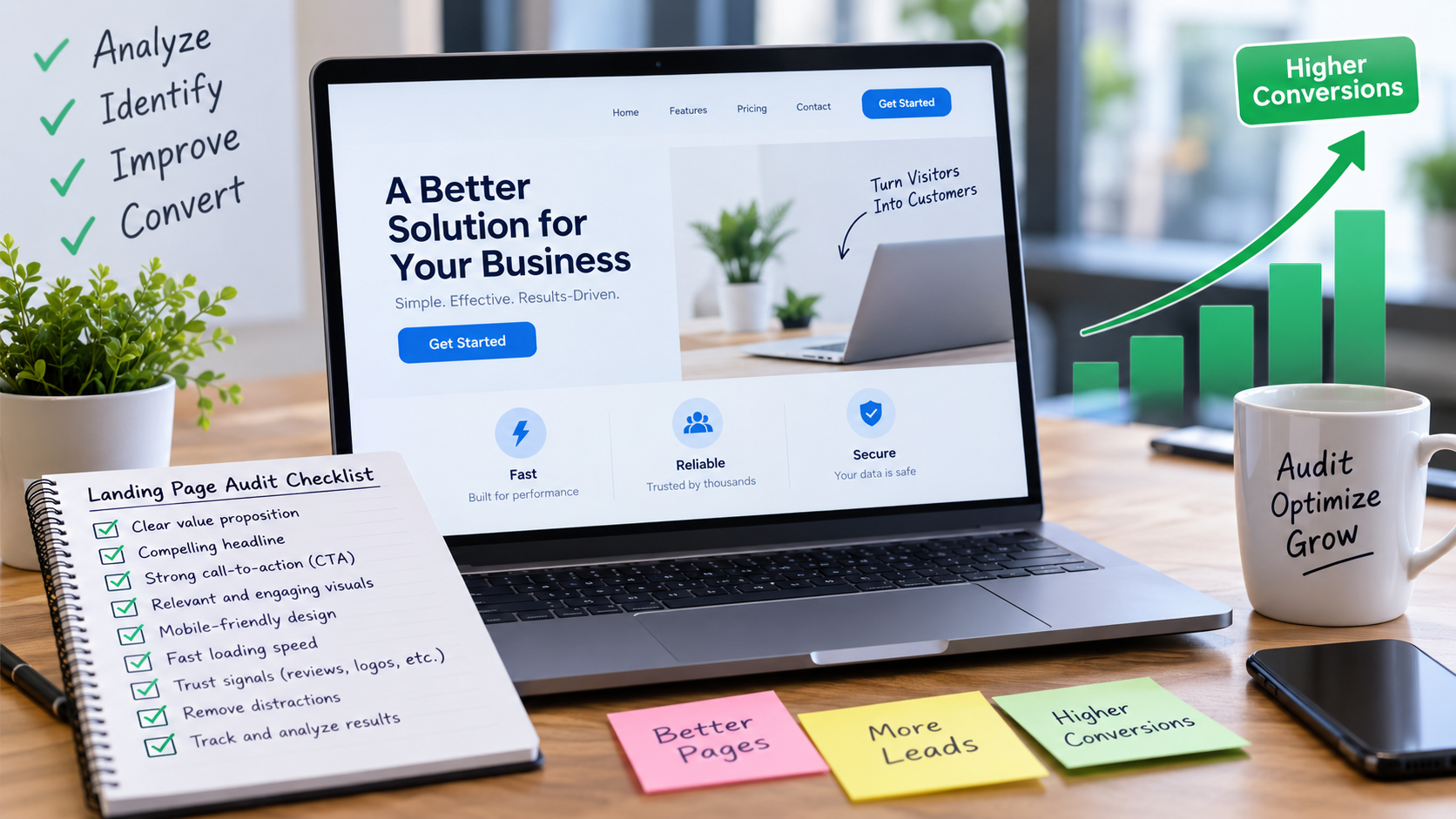
Landing Page Audit Checklist
Use this checklist:
- Is the page goal clear?
- Does the headline explain the offer?
- Does content match visitor intent?
- Is the CTA specific?
- Is the form easy to complete?
- Does the page work well on mobile?
- Are trust signals genuine?
- Does the page load efficiently?
- Are distractions removed?
- Is conversion tracking working?
- Does the page answer objections?
Frequently Asked Questions
What is a landing page audit?
A landing page audit is a review of a landing pages content, UX, performance, technical setup and conversion elements.
How often should landing pages be audited?
Review them regularly. Whenever there is a significant change in traffic campaign targeting, offer, design or conversion performance.
What is a good landing page conversion rate?
There is no conversion rate that is appropriate for every business. Results vary by industry offer, traffic source, audience, device and conversion type.
Can SEO affect landing page conversions?
Yes. SEO can bring visitors to the page. The page still needs relevant content, clear messaging, good UX and a useful next step to turn traffic into meaningful actions.
Should every landing page have a form?
No. The right conversion method depends on the business goal. Some pages may use calls, purchases, bookings, downloads or other actions.
Conclusion
A landing page audit helps you move beyond guesswork. By reviewing the page goal, headline, content, CTA, forms, trust signals, mobile experience, performance and analytics you can identify areas that may be creating friction.
The best improvements are usually based on evidence from visitors and business data rather, than assumptions.
For businesses managing landing pages a professional website audit service can provide a broader review of technical SEO, UX, performance and conversion opportunities.


