
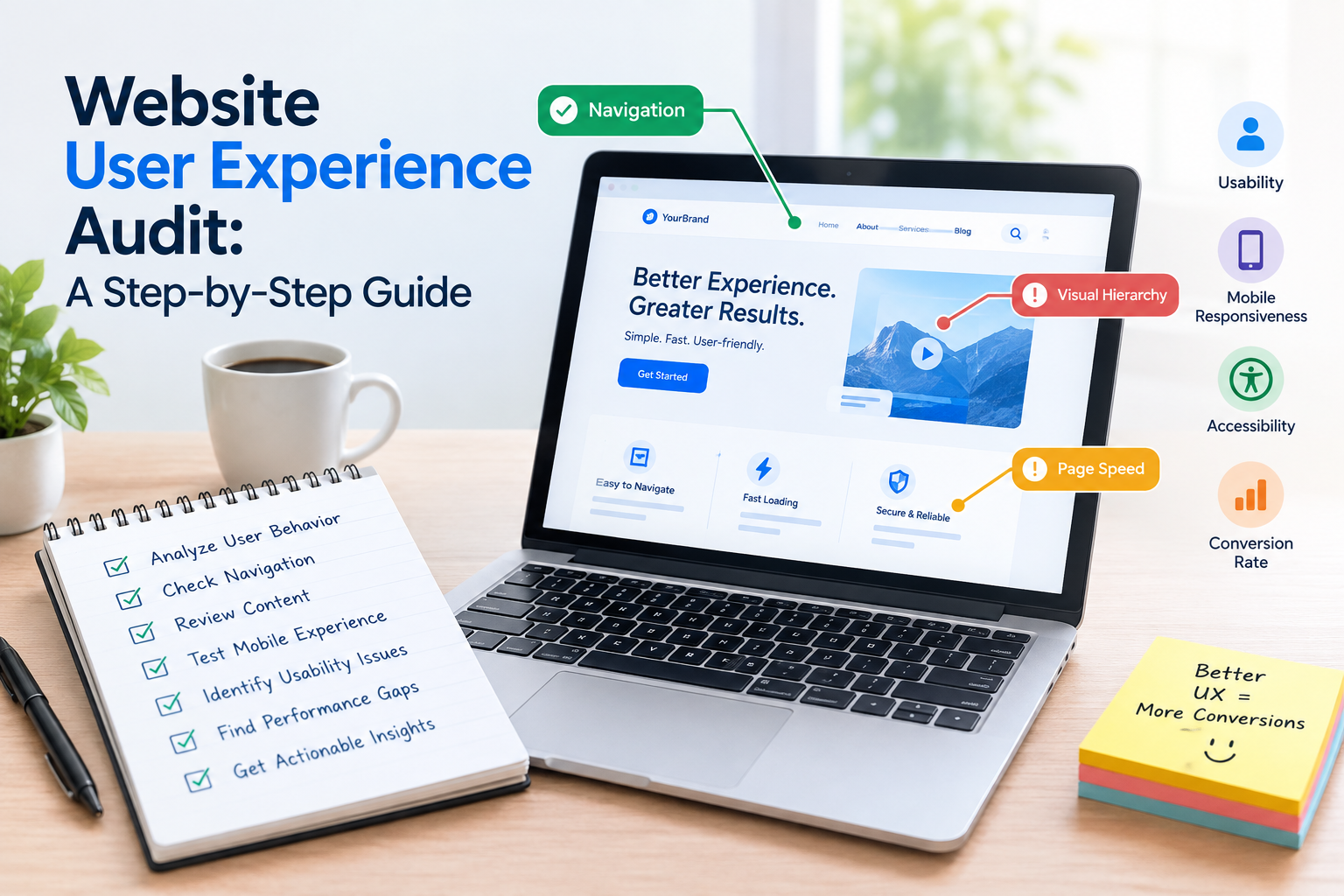
A website can have content and still feel hard to use.
Visitors might have trouble finding what they need. They might not understand what a business does. They could struggle to fill out a form.. They may have issues using the site on a phone. These problems can hurt engagement. They can also stop people from doing things on the site.
A website user experience audit gives a way to find these problems.
What Is a Website User Experience Audit?
A UX audit looks at how easy it’s for people to use a website. It checks how well users can reach their goals.
The audit can look at:
Navigation
Content structure
Mobile usability
Forms
Page speed
Accessibility
hierarchy
Search functionality
Calls to action
Conversion paths
The goal is to find where users get stuck. It also finds chances to make things better.
Step 1: Define Your Main User Goals
Before checking each page decide what users want to do.
For an e-commerce site users may want to:
Find a product
Compare products
Read product details
Add something to a cart
Finish the checkout
For a service business users may want to:
Learn about the service
See proof of work
Get a quote
Reach out to the business
Your audit needs to check if the website helps with these goals.
Step 2: Review Website Navigation
See if users can move easily between pages.
Look for:
menus
Missing links
Too many menu layers
Unclear labels
Broken navigation
Hard-to-find contact info
Try using the site as a new visitor would. See how easy it is to find things.
Step 3: Evaluate Content Structure
Most people scan websites of reading everything.
Check if pages use:
Clear headings
Short paragraphs
Bullet points
links
Useful summaries
Logical sections
Important information should not be buried in long blocks of text.
Step 4: Test the Mobile Experience
key pages on different phones and screen sizes.
Check buttons, forms, menus, images, text, pop-ups and how fast pages load.
Pay attention to things that need tapping or typing.
A small button or cramped text can cause frustration.
Step 5: Review Forms
Try filling out every form.
Look for:
many fields
Unclear instructions
Bad error messages
Technical issues
A shorter form is often easier to complete than one asking for too much too soon.
Step 6: Check Website Accessibility
Accessibility means making websites usable for everyone.
Look at:
Text contrast
Keyboard navigation
Image alternative text
Form labels
Heading structure
Link descriptions
Accessibility rules vary by place and by business type. So consider standards and expert advice.
Step 7: Review Page Performance
Performance matters. Waiting for a page to load is part of the user experience.
Check page speed, files, unneeded scripts and other performance metrics.
Slow pages hurt usability and user trust.
Step 8: Analyze Conversion Paths
Follow the journey from landing to completing a goal.
For example:
Landing page → Service page → Contact page → Form → Confirmation
Find where users get confused or hit steps.
Step 9: Collect Real User Feedback
Analytics show what users do. Feedback explains why they do it.
Use:
Customer interviews
Surveys
Support questions
Usability testing
Session recordings (if privacy rules are followed)
Combine data from numbers and real voices.
Step 10: Prioritize Problems
Not every issue needs fixing away.
Rank problems by:
Business impact
User impact
How many people are affected
How hard it is to fix
risk
Start with the most important ones.
UX Audit Checklist
Clear navigation
Logical page structure
Mobile- layout
Readable content
Simple forms
Clear CTAs
Accessible interface
Good performance
Useful search
Working links
Clear conversion paths
Helpful error messages
Frequently Asked Questions
What does a UX audit include?
It can cover navigation, content, mobile usability, accessibility, forms, performance, visual hierarchy, conversion paths and other usability parts.
Is a UX audit the same as an SEO audit?
No. A UX audit focuses on how people use the site. An SEO audit looks at search visibility. They overlap in areas like page speed, content structure and mobile usability.
How often should a UX audit be performed?
Review UX regularly. Also do one after changes—like redesigns, platform updates, new features or shifts, in how users behave.


