
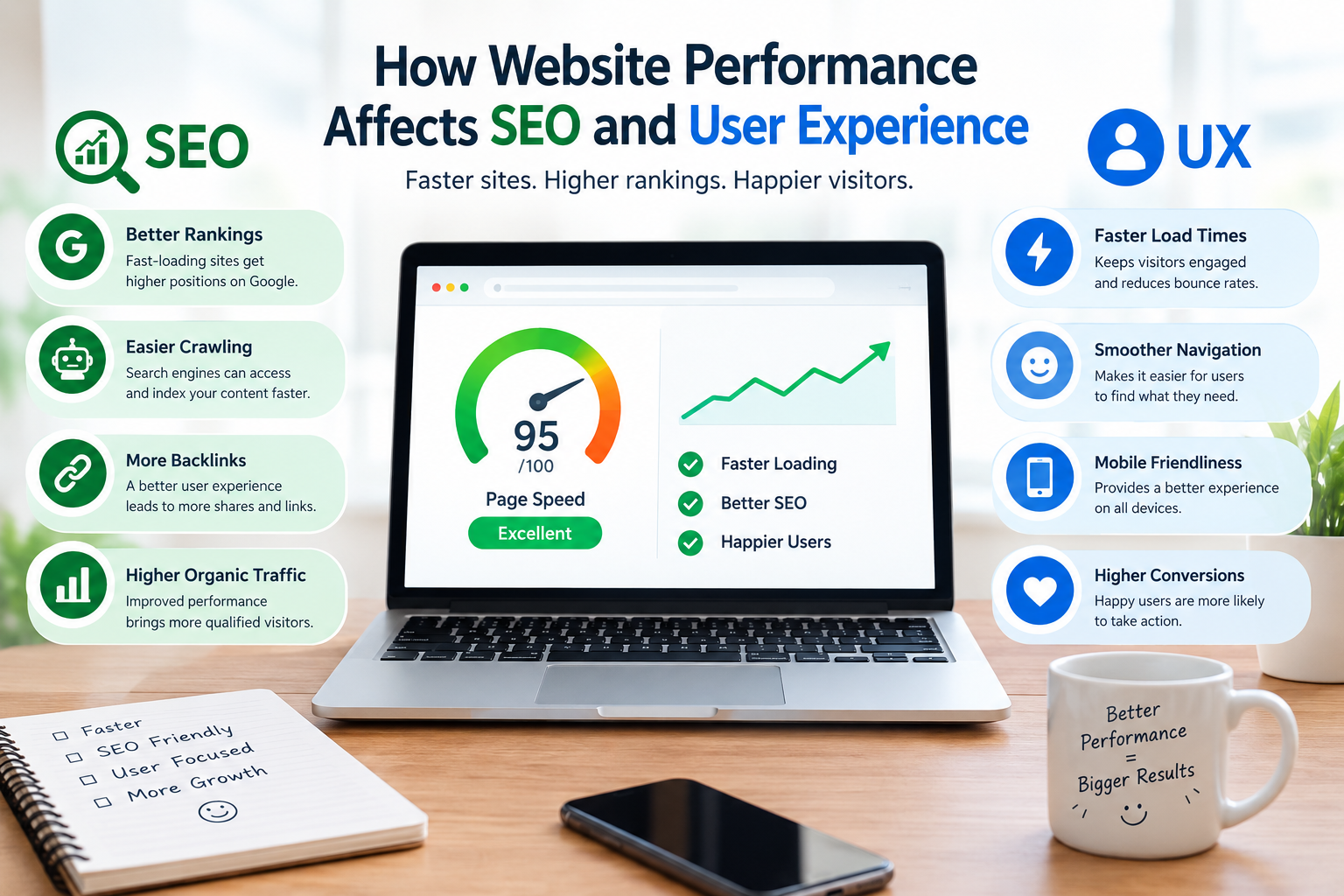
Website performance is more than a technical issue.
When pages load slowly react badly or are hard to use on phones visitors feel frustrated. Performance is also one piece of the technical and user experience picture that search engines look at.
For businesses this means that website performance needs care.
What Does Website Performance Mean?
Website performance means how fast and steady a website loads and reacts to what a user does.
Important areas include:
- Page loading
- Server response
- Image delivery
- JavaScript execution
- CSS resources
- Mobile performance
- Interaction responsiveness
- Visual stability
Measure performance with tools instead of only looking at how fast a page shows on one computer.
- Slow Pages Can Increase User Friction
Picture clicking a service page. Waiting many seconds before the main content can be used.
Even if the page later gives information the delay can break the users flow.
For businesses this matters because visitors might leave before seeing content or conversion parts.
- Mobile Performance Matters
A website can behave differently on devices and networks.
A page that feels fast on a desktop computer may act differently on a phone with a slower connection.
Test Important Mobile Pages
Check:
- Homepage
- Service pages
- Product pages
- Contact forms
- Checkout
- Landing pages
Performance testing must look at real‑world conditions, not ideal desktop setups.
- Core Web Vitals Provide Useful Signals
Core Web Vitals are a set of performance numbers made to check parts of real‑world page experience.
They include measurements related to:
- Loading performance
- Interactivity
- stability
These numbers are helpful clues but website quality is more than just performance scores.
- Large Images Can Slow Pages
High‑resolution images can use a lot of resources.
A practical check should find images that’re far bigger than what they show.
Possible improvements include:
- Compressing images
- Choosing dimensions
- Using modern formats where suitable
- Lazy‑loading below‑the‑fold images where appropriate
- Avoiding unnecessary decorative images
Do not give up good image quality just to hit an arbitrary file size.
- Many Scripts Can Affect Performance
Third‑party tools can give good functions like analytics, chat, ads, personalization or support.
Each extra script can add processing or network needs.
Check if every script is still needed.
Remove tools and watch how big changes affect things.
- Website Performance and SEO
Search engines use signals to check pages. Performance and page experience are part of the technical view but they are not a replacement for useful relevant content.
A fast website with content can still miss search intent.
Likewise a useful website must not ignore performance problems.
The practical way is to improve performance with content, technical SEO, accessibility and UX.
- Performance Can Affect Conversions
Performance problems can create friction in actions such as:
- Product purchases
- Form submissions
- Bookings
- Account creation
- Quote requests
For example if a checkout page loads slowly or a form stops working visitors may drop out.
How to Improve Website Performance
Start with measurement.
Step 1: Identify Slow Pages
Find pages that do badly using performance and analytics tools.
Step 2: Identify the Cause
Look at images, scripts, fonts, server response, code and third‑party resources.
Step 3: Prioritize High‑Value Pages
focus on pages that get a lot of traffic or help important business actions.
Step 4: Make Targeted Changes
Avoid changing things, at once if you want to see what made a difference.
Step 5: Test
After making changes check the result again.
Website Performance Audit Checklist
Review:
- Page speed
- Mobile performance
- Server response
- Image sizes
- JavaScript
- CSS
- Third‑party scripts
- Caching
- Core Web Vitals
- Broken resources
- Redirect chains
- page elements
- Important conversion pages
Frequently Asked Questions
Does website speed affect SEO?
Performance is one part of Google’s page experience and ranking systems but it is not the only thing that decides search visibility.
What are Core Web Vitals?
Core Web Vitals are numbers that focus on users to check parts of web page experience like loading, responsiveness and visual stability.
How can I check my website performance?
You can use well‑known performance testing tools. Compare results across key pages and device types. Testing should be repeated after technical changes.
Should I focus on speed or content first?
Both matter. A website needs content that satisfies visitors while also providing a technically sound and usable experience.
What is a website performance audit?
A performance audit reviews factors that influence loading speed, responsiveness, stability and resource efficiency. It can be part of a broader website audit.
Website performance affects how visitors experience a website and can influence business actions. Slow pages, mobile performance, too many scripts and large files can create unnecessary friction.
The best approach is to measure performance identify the causes of problems prioritize pages make targeted improvements and test the results.
A broader website audit service can combine performance analysis, with SEO, UX, content and conversion reviews to give businesses a more complete picture of website health.


