
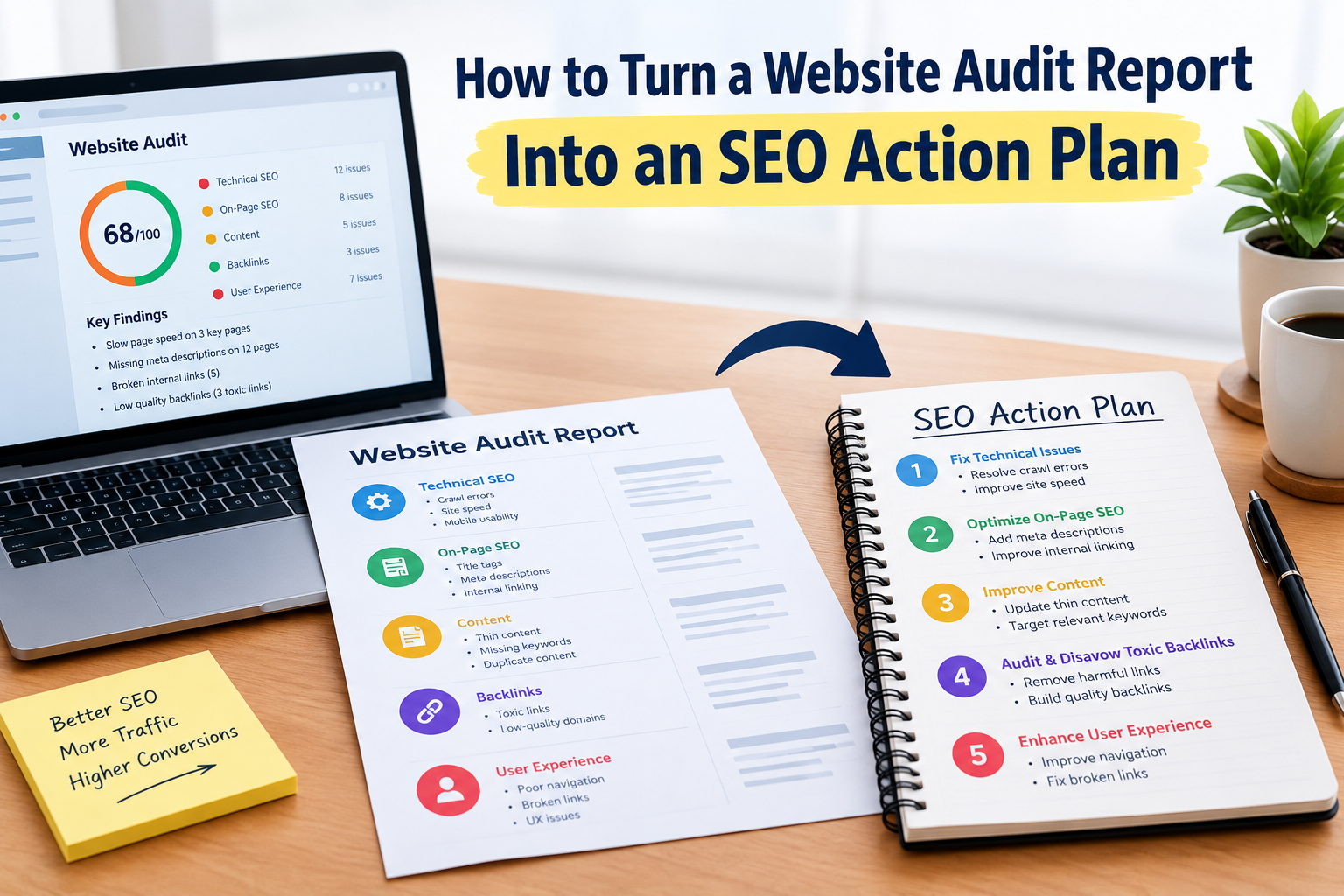
A website audit report can contain dozens or even hundreds of findings. The challenge is not to understand the problems. It is to decide what to fix
A clear SEO action plan turns website audit report findings into tasks.
What Is a Website Audit Report?
A website audit report summarizes. Opportunities that were found during an audit.
It may include:
- Technical SEO findings
- Content issues
- Performance problems
- Mobile usability concerns
- links
- Indexation issues
- UX problems
- Conversion opportunities
Step 1: Separate Critical Issues From Minor Issues
Start by grouping findings according to impact and urgency.
For example:
- Critical: Important pages unavailable or serious security concerns
- High: Major indexation or performance problems
- Content and internal‑link improvements
- Low: Minor formatting or optimization opportunities
Step 2: Fix Crawlability and Indexation Problems
Make sure important pages can be discovered and properly indexed.
Review:
- Robots.txt
- XML sitemap
- Internal links
- Noindex directives
- Canonicals
- Redirects
Step 3: Improve Website Performance
Look at pages that’re important to users and business outcomes.
Potential improvements may include:
- Image optimization
- Reducing scripts
- Improving server response
- Optimizing page resources
Step 4: Address On‑Page SEO
Review important pages for:
- Search intent
- Titles
- Headings
- Content quality
- links
- Image optimization
Step 5: Fix UX Problems
Ask whether visitors can easily:
- Understand the offer
- Navigate the website
- Find important information
- Contact the business
- Complete a purchase
Practical Example
Imagine a software company has a website audit report showing that its pricing page loads slowly has calls to action and lacks internal links from related articles.
Of trying every recommendation at once the company could create separate tasks for performance, page messaging and internal linking.
Step 6: Create a 30‑, 60‑ and 90‑Day Plan
A simple roadmap can make implementation easier.
First 30 Days
Focus on technical and indexation issues.
Days 31–60
Work on content improvements, internal linking, performance and important UX problems.
Days 61–90
Review progress, improve conversion paths, update supporting content. Identify new opportunities.
Step 7: Measure Progress
Track metrics before and after implementation.
These can include:
- Organic clicks
- Impressions
- Organic traffic
- Conversions
- Indexed pages
- Page performance
- Leads or sales
Why a Professional Audit Can Help
A professional Website Audit Service can help businesses move from a list of technical findings to a prioritized improvement roadmap.
The value is not in identifying problems. It is also in understanding which issues deserve attention and how they relate to business goals.
FAQs
What should I do after receiving a website audit?
Start by reviewing and prioritizing the findings. Then create tasks assign responsibilities and track completion.
Should I fix every audit recommendation?
Not. Recommendations should be evaluated based on impact, urgency, resources and business priorities.
How long does it take to implement an audit?
Implementation time varies depending on website size and the complexity of the recommendations.
How do I know if the audit was successful?
Measure technical, search, performance, UX and business metrics before and after implementation.
Can an agency implement the recommendations?
Yes. Depending on the provider a professional audit service may offer implementation support. Work with your development and marketing teams.
Internal‑link opportunity: Link professional Website Audit Service, website audit report and SEO action plan naturally, to your Website Audit Service page.


