
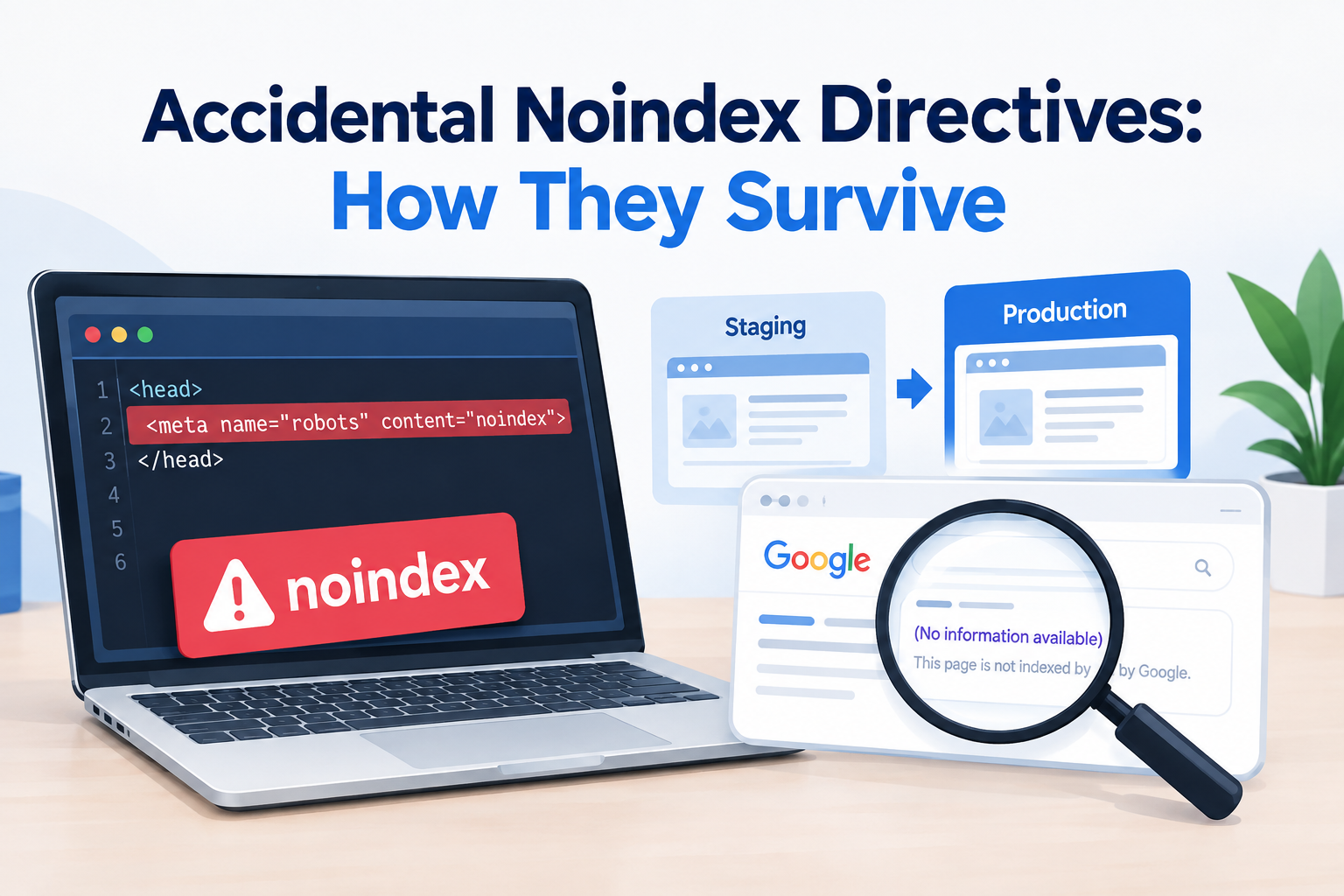
A website can be live look perfect to visitors and still vanish from Google. All because of one SEO mistake.
One common problem? An accidental noindex directive that sneaks into production. Developers often use noindex on staging sites to keep pages out of search results.. Sometimes that setting gets copied over to the live site by mistake.
When that happens key pages might not show up in Google even though everything looks fine in the browser.
What Is a Noindex Directive?
A noindex directive tells search engines not to include a page in their search index.
It can show up as an HTML meta tag:
<meta name="robots" content="noindex">
Or as an HTTP response header:
X-Robots-Tag: noindex
Both can cause SEO problems if used by accident on production pages.
How Does a Noindex Error Reach Production?
It usually starts in the staging environment.
For example a team might add:
<meta name="robots" content="noindex, nofollow">
to stop staging pages from appearing in search while testing.
During deployment the same template, config file, plugin setting or header gets copied to production.
A Simple Example
Picture an e-commerce site launching 500 product pages.
The developer tested on staging with noindex turned on. Then during deployment forgot to turn it off.
The site works fine.. Search engines get a message saying don’t index those pages.
The business might then notice:
- pages missing from Google
- Organic traffic dropping
- Product pages disappearing from search
- New pages not showing up in results
- visibility for pages that used to be indexed
Why Developers May Miss It
Noindex errors are easy to miss. They don’t change how a page looks.
A dev can open a page. See:
- The page loads
- Images are there
- Navigation works
- Forms function
- The URL is reachable
Search engines might still be told not to index it.
That’s why noindex problems are especially important to check during production deployment.
How to Catch Accidental Noindex Directives
1. Check the Page Source
key production pages and look at the HTML source.
Search for the word:
noindex
Focus on pages that should be in Google’s index.
2. Check HTTP Response Headers
Sometimes the noindex tag isn’t in the HTML.
Check the HTTP headers for:
X-Robots-Tag: noindex
This is crucial when server settings, frameworks, CDNs or app configs control indexing.
3. Review Google Search Console
Google Search Console helps spot indexing issues.
Look at the Page indexing report. Check if important URLs are being excluded.
If pages that should show up are missing check if a noindex directive is the cause.
4. Crawl the Production Website
Use a SEO crawler. It can scan sites and find noindex directives fast.
It can also check:
- Which pages are indexable
- Which have noindex
- tags
- HTTP status codes
- Robots.txt rules
- Internal links
Add Noindex Checks to the Deployment Process
The best way is to catch it before going live.
Add an SEO check to your deployment steps. For example your process can verify that live URLs don’t have unexpected noindex.
A simple checklist:
- Crawl the staging site.
- Confirm staging pages have indexing settings.
- Deploy to production.
- Crawl a sample of live URLs.
- Check meta robots tags.
- Check
X-Robots-Tagheaders. - Check Google Search Console after launches.
Use Environment-Specific Settings
A safer setup separates staging and production settings.
For example:
Staging:
noindex = enabled
Production:
noindex = disabled
This cuts down the risk of copying the wrong setting.
Why a Website Audit Can Find This Problem
A Website Audit Service* can find technical SEO issues you can’t see just by looking at the site.
A technical audit checks URLs for:
- Noindex directives
- Indexing restrictions
- Crawl problems
- canonical tags
- Broken links
- Other things that hurt search visibility
This is especially helpful after a site move, redesign, platform switch or big update.
Final Thoughts
Accidental noindex directives are mistakes with big consequences. They often happen when staging settings get carried over to production unnoticed.
The safest move? Make indexing checks part of every deployment. Regular crawling, header checks, source reviews and Google Search Console monitoring can catch these before they hurt your traffic.
FAQs
What is a noindex directive?
It’s a noindex instruction left on a page even though the page should be in search results.
Can noindex remove a page from Google?
Yes. A valid noindex tells search engines not to include the page in their index.
Where can a noindex directive appear?
It can be in a robots meta tag or, in an X-Robots-Tag HTTP header.
Can a website look normal while having a noindex problem?
Yes. Noindex doesn’t change how the page looks to visitors.
How can I find noindex pages?
Check source code, HTTP headers use a SEO crawler and review Google Search Console.


