
Introduction
A technical SEO mistake can have a major effect on organic visibility.
One of the serious examples is an accidental noindex directive placed on important pages.
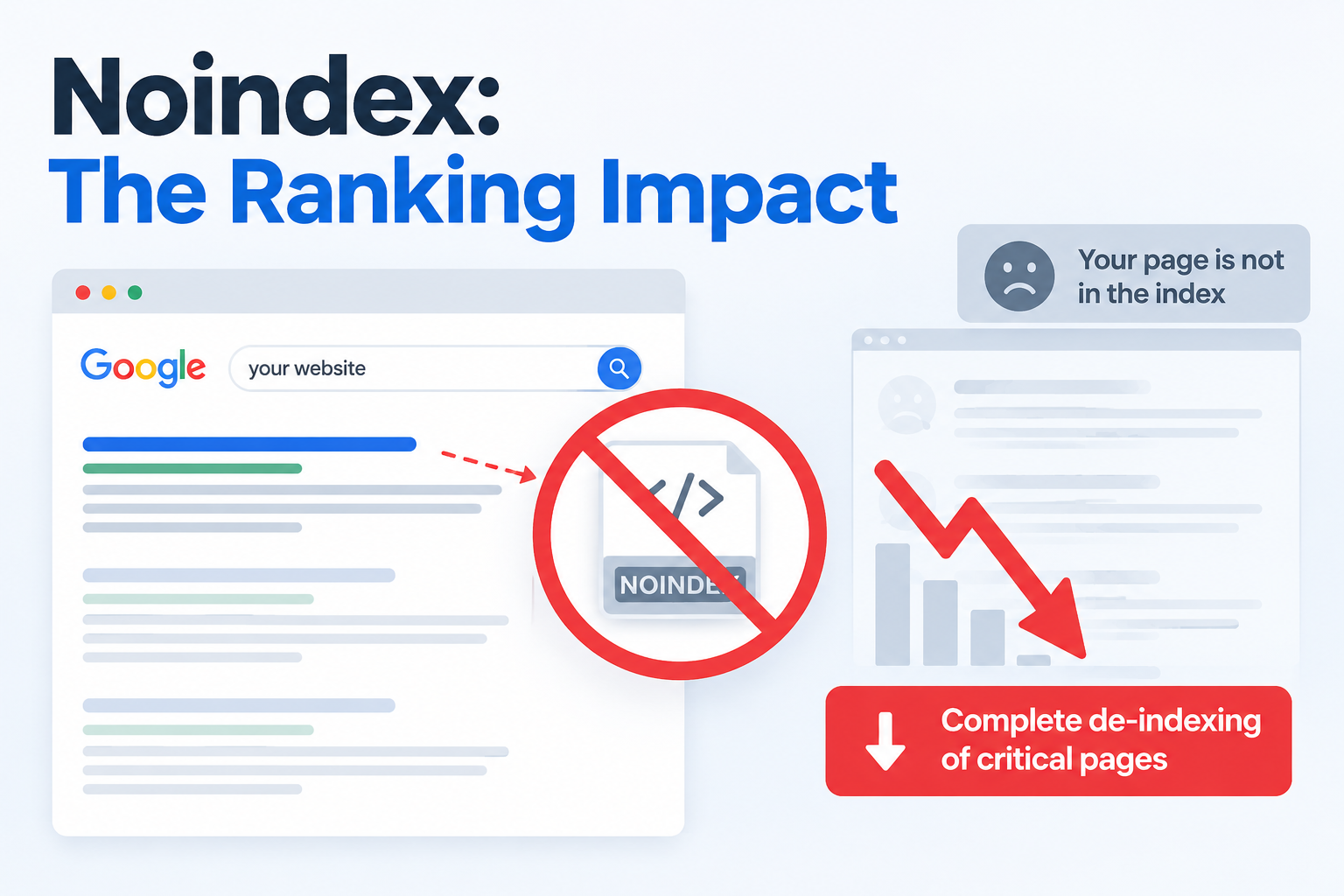
When Google discovers a noindex` instruction it can remove the affected URL from its search index.
If the directive is applied across a group of pages an entire website section can lose visibility.
For businesses that depend on search traffic this can affect product pages, service pages, landing pages and other revenue pages.
How Noindex Affects Rankings
A noindex directive tells search engines not to include a page in their search index.
For example:
<meta name="robots" content="noindex">
If this appears on a product or service page that page may stop appearing in Google search results.
The issue becomes more serious when the directive is accidentally added to:
- Product categories
- Service pages
- Location pages
- Blog sections
- Landing pages
- website templates
How an Entire Section Can Disappear
Imagine an online store has 1,000 product URLs.
A developer accidentally adds a noindex directive to the product template during a deployment.
The website may continue functioning but search engines can receive the instruction across hundreds of URLs.
The result can be a decline in the number of indexable pages and organic search visibility.
The same problem can occur with a section of a business website.
If a shared template contains noindex every page using that template can potentially be affected.
Why Revenue Pages Are Important
Not every page on a website has the same business value.
A noindex problem on a blog post may have a limited commercial effect.
The same error on a converting service or product page can directly affect organic acquisition.
Critical revenue pages often include:
- Product pages
- Service pages
- Pricing pages
- Category pages
- Lead‑generation landing pages
- Local service pages
When these pages disappear from search results businesses can lose opportunities to attract visitors through organic search.
How to Detect the Problem Quickly
If organic traffic suddenly drops after a website update check indexing before assuming it is an algorithm change.
Check Google Search Console
Review the Page Indexing report. Inspect affected URLs.
Look for pages that are excluded because of a noindex directive.
Inspect the HTML
Open a page and search its source code for:
noindex
Check HTTP Headers
A noindex instruction can also be delivered through:
X-Robots-Tag: noindex
checking only the HTML may not reveal every indexing problem.
Crawl the Website
A technical SEO crawler can quickly identify noindex directives across thousands of URLs.
This is particularly useful after:
- Website migrations
- Redesigns
- CMS changes
- Major deployments
- Template updates
Preventing De-Indexing Problems
Prevention is better than discovering the problem after traffic has already declined.
Add an indexing check to your deployment process.
Before releasing an update verify that important production URLs are indexable.
A simple checklist should include:
- Check robots meta tags.
- Check
X-Robots-Tagheaders. - Crawl important URLs, after deployment.
- Monitor Google Search Console.
- Test templates affecting pages.
- Keep staging and production SEO settings separate.
How a Website Audit Helps
A Website Audit Service* can identify unexpected indexing directives before they cause widespread SEO problems.
An audit can review noindex tags, crawlability, canonical tags, robots.txt, status codes, internal links and other technical factors affecting search visibility.
For websites regular technical audits can help detect problems that may otherwise remain hidden.
Accidental noindex directives can create a ranking problem because they can prevent critical pages from appearing in Google’s index. When a shared template or configuration is affected the issue can extend across a section of a website.
The key is detection. Monitor indexing after deployments inspect URLs and include noindex checks in your technical SEO process.
FAQs
Can noindex cause a page to disappear from Google?
Yes. A valid noindex directive can cause a page to be removed from Google’s index.
Can noindex affect a website section?
Yes. If the directive is included in a shared template or configuration many URLs can be affected.
Does noindex immediately remove rankings?
Search engines need to process the directive so the timing can vary. Once processed the affected page may no longer appear in search results.
How do I find noindex tags?
Check the HTML source, HTTP response headers, Google Search Console and a technical SEO crawl.
What should I check after a website deployment?
Check URLs, for noindex directives, canonical tags, robots.txt restrictions, crawlability, status codes and indexing status.


