
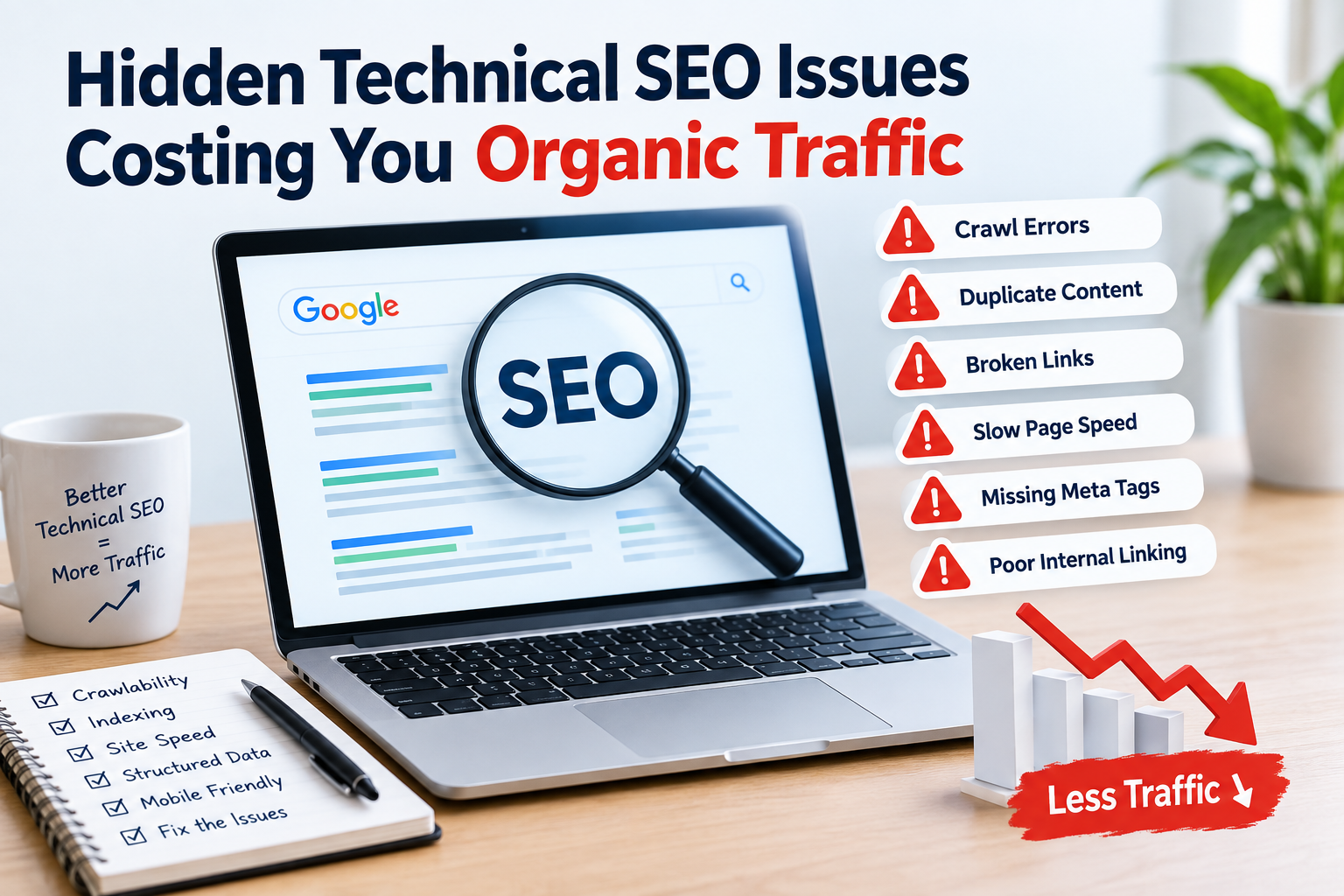
Technical SEO problems are hard to see because they do not change what a page looks like to people who visit it. Search engines however can have trouble when they try to go show or understand your website.
The good news is that many technical SEO issues can be found and fixed with a check.
- Pages That Are Not Being Indexed
One of the technical SEO problems is having good pages that search engines cannot add to their list of web pages.
A page might not show up in search results because of
A noindex instruction
rules in robots.txt
Problems with how pages are set as the main version
Server errors
Bad links inside the website
Content that is the same as other pages
Links that are not easy to reach
Use Google Search Console to look at important URLs and see if Google can reach and add them to its list.
Why It Matters
If an important page is not in the list its content probably cannot get visitors from search engines no matter how good it is.
- Wrong Canonical Tags
Canonical tags help search engines know which version of duplicate pages should be the main one.
Problems can happen when a canonical tag:
Points to a different page
Uses the wrong URL
Points to a page that has a redirect
Conflicts with signals that tell search engines what to do
Is missing from pages where it should be
For example if a main product page accidentally says another page is the main one search engines might think that other page is the one to show.
- Slow Page Speed
How fast a page loads can affect both how people use the site and how it appears in search results.
Big images, much JavaScript, bad CSS extra scripts from other sites and bad hosting can make pages slower.
Pay attention to Googles Core Web Vitals, which include:
Largest Contentful Paint (LCP)
Interaction to Next Paint (INP)
Cumulative Layout Shift (CLS)
Improving speed makes your website easier to use. Also helps with important technical SEO issues.
- Broken Internal Links
Internal links help people and search engines find pages on your site.
Over time changes to a website can cause:
Pages that do not work
links inside the site
Long chains of redirects
Links to content that is gone
Links to old URLs
A technical SEO check should find these issues often.
Practical Tip
When you take down a page check if it has links, rankings or is linked from other pages. If a new page is available using a redirect is better than leaving the old URL broken.
- Bad Internal Linking
Not every problem with links shows up as an error.
A page might work technically. Get very few internal links. This can make it harder for search engines to find and understand how your pages are connected.
Make connections between:
Blog posts
Category pages
Product pages
Service pages
Helpful guides
Use clear and natural words in the links instead of repeating the same exact keywords.
- Duplicate or Almost-Duplicate Pages
Having the content on multiple pages can confuse search engines about which version to show.
Common reasons include:
URL parameters
Pages with filters
HTTP and HTTPS versions
WWW and non-WWW versions
URLs with or without a slash at the end
Print- versions
Duplicate product descriptions
A good URL setup, canonical tags, redirects and the right settings can help cut down on unnecessary duplicates.
- Robots.txt Blocking Important Parts
The robots.txt file tells search engines which parts of your website they should not look at.
A mistake in this file can stop search engines from seeing areas of your site.
For example a wrong rule in robots.txt could stop crawlers from seeing pages or resources they need to understand your website.
Robots.txt should be checked whenever big changes are made to your website.
- Redirect Chains and Loops
Redirects are useful when URLs change. If they are not set up right they can cause problems.
A redirect chain happens when:
URL A → URL B → URL C
Instead the old URL should go directly to the page if possible.
A redirect loop is worse because the browser or search engine can’t reach the page.
- Missing XML Sitemap Information
An XML sitemap helps search engines find pages.
Your sitemap should usually have pages that’re ready to be found and that you want search engines to see.
Avoid adding to your sitemap:
Pages that do not work
Redirected pages
Pages that are not allowed to be indexed
Duplicate pages
versions of URLs
Submit the sitemap through Google Search Console and check for errors.
- JavaScript Problems
Many modern websites use JavaScript a lot. Search engines can handle JavaScript. Badly written code can still cause problems.
Important content should not depend much on complex scripts if search engines or people can’t see it.
Check if:
Main content is visible after the page loads
Navigation links can be found
Important text is on the page after it is shown
JavaScript errors stop content from loading
- Mobile Issues
Most searches now happen on phones so making sure a site works on mobile is important for technical SEO.
Look for problems like:
Text that’s hard to read
Content that is too wide for the screen
Buttons that are hard to tap
Unwanted elements
Poor design that works on all devices
Slow mobile performance
A page should offer the same important content and functions on all types of devices.
- Wrong HTTPS Setup
HTTPS keeps the connection between users and websites secure. Is now the standard for most sites.
Technical issues can happen when:
Some parts of the site still use HTTP
HTTP URLs are not changed to HTTPS
Canonical tags use HTTP versions
Internal links have old HTTP URLs
Check that your preferred HTTPS version is used all over the website.
- Orphan Pages
An orphan page is a page that has few or no links from other parts of the website.
Even if the page is in the list it can be hard for search engines to find and understand it because of links.
Check pages and make sure they are connected naturally to other parts of your website.
- Bad URL Setup
A complicated URL setup can cause problems with how search engines find and add your pages.
Keep URLs:
Clear
Same style
Easy to read
Related to the page
Avoid long URLs with many extra parts when a simpler version is possible.
Technical SEO Audit Checklist
Technical Issue What to Check
Indexing pages can be added to the list
Canonicals Right main pages are set
Page speed Core Web Vitals and speed
Internal links Broken and weak links
Sitemap Valid and useful URLs
Robots.txt Important parts are not blocked
Redirects No long chains or loops
Mobile Works on mobile
HTTPS Standard secure URLs used
JavaScript Important content shows up
Duplicate pages Similar pages are controlled
Orphan pages Important pages have links
How to Find Hidden Technical SEO Issues
A good technical SEO check should use more, than one source, not just one tool.
Start with Google Search Console to find issues with adding pages, crawling, Core Web Vitals and sitemaps.
Then use an SEO tool to crawl the website and find links, redirects, duplicate URLs missing information and other problems.
Finally look at your important pages by hand. Tools can find patterns. They can’t always tell if something makes sense for your site.
Final Thoughts
Technical SEO problems can quietly stop your website from getting traffic without making it obvious.
The important things to watch are whether pages are added, can be found, have the right main version load fast have good links work with redirects are mobile-friendly show properly use HTTPS and have no duplicates.
Regular checks can help you find these issues before they get worse. Also technical SEO should work with content and a clear website setup not just be done once.
If your traffic suddenly drops technical SEO should be one of the areas to check.



1 Comment
[…] SEO audit can find pages that are blocked excluded, duplicated, redirected or otherwise unavailable for […]