
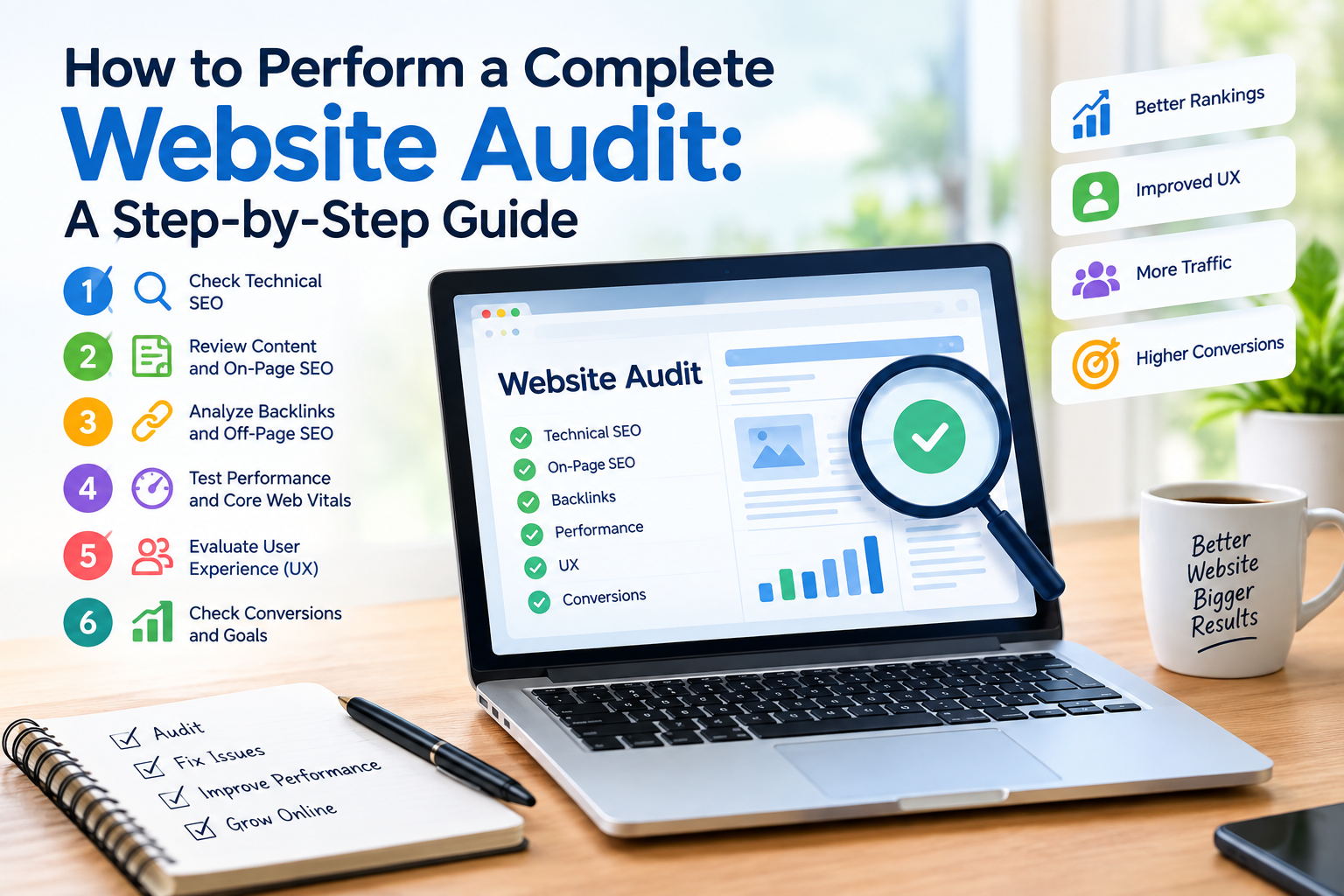
A website can look professional yet still suffer from problems that hurt search visibility, user experience and conversions. Broken links, pages, poor mobile usability, indexing problems, weak content and confusing navigation all lower a website’s value.
A complete website audit helps find these problems and gives a plan to fix them.
What Is a Complete Website Audit?
A website audit is a review of many parts of a website. It can cover SEO, content, website performance, mobile usability, security, user experience and conversion elements.
The goal is not just to find problems. A useful audit should explain:
- What is wrong?
- Why does it matter?
- Which problems need attention first?
- How can they be fixed?
- How should improvements be measured?
For businesses a professional [Website Audit Service] can turn these findings into an organized action plan.
Step 1: Check Technical SEO
Technical SEO affects how search engines crawl, understand and index your website.
Check:
- Robots.txt
- XML sitemap
- Canonical URLs
- Indexation
- Redirects
- 404 errors
- Broken internal links
- Duplicate pages
- HTTPS
- URL structure
Example
Imagine an online store has 1,000 product pages. Hundreds of them cannot be properly found through internal links. An audit can identify the problem. Help the business improve its site structure.
Step 2: Review Website Speed
Website performance affects how visitors interact with your pages.
Check:
- Page loading speed
- Core Web Vitals
- Large images
- Unnecessary scripts
- Server response time
- Browser caching
A page that takes too long to become usable may cause visitors to leave before seeing the content.
Step 3: Audit Mobile Usability
Many users access websites through smartphones. Your audit should therefore review the version separately.
Look for:
- Text that’s difficult to read
- Buttons that are too close together
- Horizontal scrolling
- Slow mobile pages
- Poorly formatted forms
- Intrusive pop‑ups
Step 4: Review On-Page SEO
Every important page should have a clear purpose.
Check:
- Page titles
- Meta descriptions
- H1 headings
- H2 and H3 structure
- Target keywords
- Image alt text
- Internal links
- Content relevance
Avoid forcing keywords into every paragraph. Content should primarily help the reader.
Step 5: Evaluate Content Quality
Ask whether each important page provides information.
Check for:
- Thin content
- Duplicate content
- information
- Missing topics
- Unclear explanations
- Weak introductions
- Poor formatting
Practical example
A local plumbing company might have pages for every service but only two sentences on each page. Expanding those pages with service information, FAQs, pricing factors, process explanations and location‑specific details may give considerably more value to potential customers.
Step 6: Check Internal Linking
Internal links help users and search engines discover pages.
For example:
Blog article → Website Audit Guide → Website Audit Service
This creates a journey from informational content to a relevant commercial page.
Step 7: Review Security
Security should also be part of a website review.
Check whether the website uses HTTPS and whether software, plugins, themes and other components are maintained appropriately.
Step 8: Review UX and Conversions
A website can receive visitors. Still generate few leads.
Review:
- Contact forms
- Calls to action
- Navigation
- Checkout process
- Landing pages
- Trust signals
- Readability
Example
If a service page receives traffic but very few inquiries the problem may not be traffic. The page could have messaging, weak calls, to action or a complicated contact form.
How to Prioritize Audit Findings
Not every issue deserves attention.
A simple approach is:
- Critical → High → Medium → Low
Fix problems that affect pages, accessibility, indexation, security or major user journeys first.
-FAQs
How often should a website be audited?
Many businesses benefit from an audit periodically and smaller checks whenever major changes are made.
How long does a website audit take?
It depends on website size, complexity and the areas being reviewed.
Can I perform a website audit myself?
Yes. Basic checks can be performed using SEO and analytics tools. A professional audit can provide analysis and prioritization.
Does a website audit improve rankings automatically?
No. An audit identifies problems and opportunities. Results depend on implementing improvements.
Internal link opportunity: Use phrases such as website audit, technical website audit and website health check naturally, to your Website Audit Service page.


