
A website can look professional. Still have technical problems, weak SEO, slow pages or a poor user experience. For businesses these issues can quietly cost traffic leads and sales.
A website audit helps you identify what is working what needs improvement and where your biggest opportunities are. You do not always need a process. A structured checklist can help you review the important areas of your website.
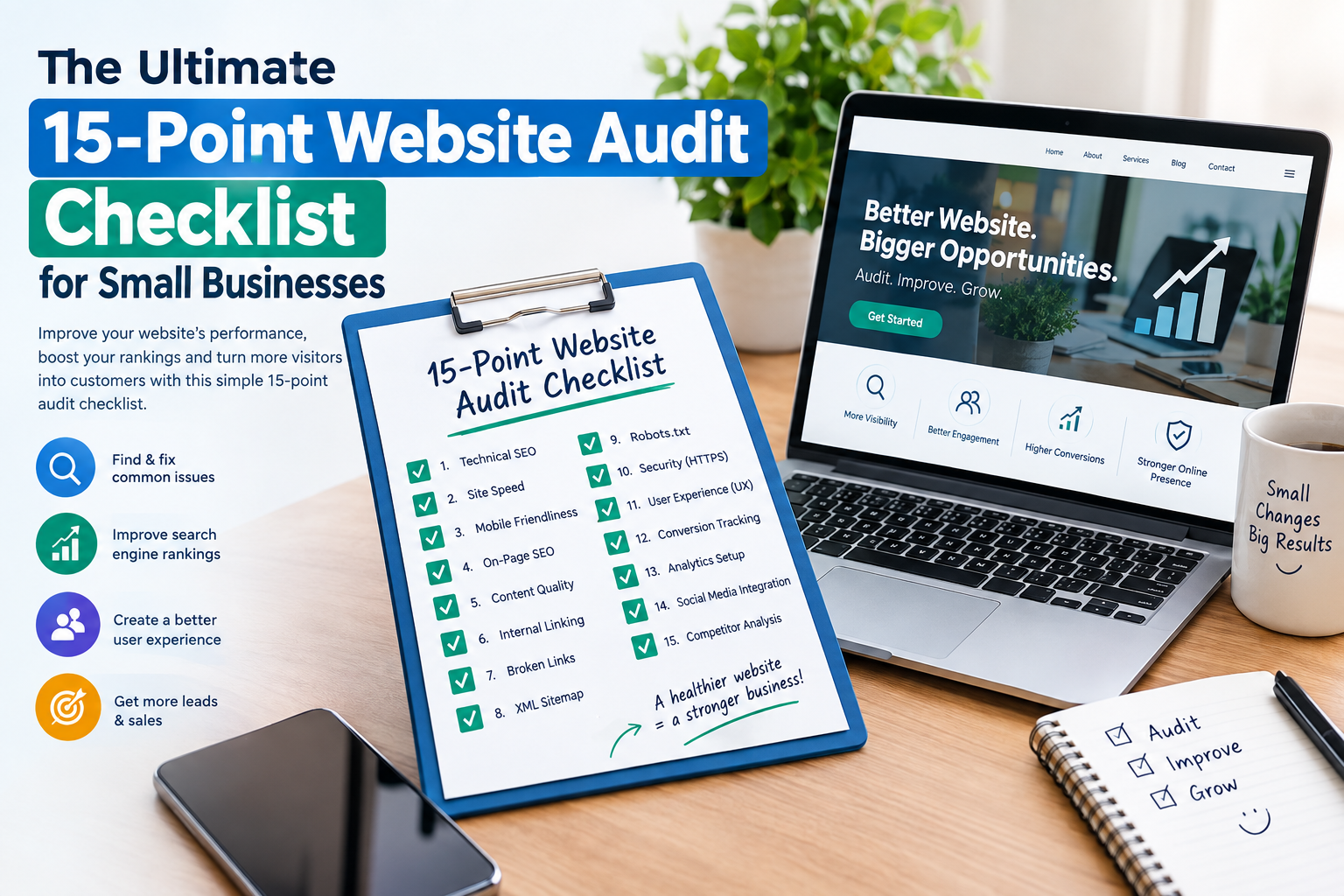
Here is a practical 15-point website audit checklist for businesses.
- Check Website Accessibility
Start by making sure visitors can actually reach your website.
Check:
Does the homepage load correctly?
Do all important pages open?
Are there links?
Does the website work without redirects?
Is HTTPS enabled across the site?
A website that cannot be accessed reliably can lose customers before they even see your content.
- Test Mobile Responsiveness
Most users browse websites on smartphones so your website should work well on screens.
Check your:
Navigation menu
Buttons
Forms
Images
Text size
Product or service pages
Contact information
Make sure visitors do not have to zoom, scroll sideways or struggle to click elements.
- Review Page Speed
Slow websites can create an experience and may affect search visibility.
Look for:
Large image files
Unnecessary scripts
plugins
Poor hosting performance
Browser caching issues
Unused website resources
Focus especially on important landing pages, service pages and your homepage.
- Audit Your Website Structure
A clear structure helps both visitors and search engines understand your website.
Review whether your main pages are logically organized.
For example:
Home → Services → Individual Service → Contact
Avoid burying pages several clicks deep when they could be reached more easily.
- Check Page. Meta Descriptions
Every important page should have an descriptive title.
Your title should clearly communicate what the page offers. Meta descriptions should provide a summary that encourages relevant users to visit.
Check for:
Missing titles
Duplicate titles
long titles
Missing meta descriptions
Duplicate meta descriptions
- Review Your Headings
Headings make content easier to scan and help establish the topic of each page.
Check your:
H1 heading
H2 sections
H3 subsections
Each important page should generally have one primary heading, followed by logical subheadings.
Avoid adding keywords just to improve SEO.
- Identify Broken Links
Broken internal and external links can damage user experience.
Click links manually or use an SEO auditing tool to find pages returning errors such as 404 Not Found.
Update, redirect or remove links that no longer work.
- Check Your Content Quality
Ask whether your website actually answers the questions your potential customers have.
Review:
Service descriptions
Product information
About page
FAQs
Blog posts
Contact information
Remove information and improve pages that provide little value.
Your content should demonstrate experience. Provide clear useful information rather than simply repeating keywords.
- Audit Local SEO
For businesses serving a specific area local SEO deserves special attention.
Check that your business name, address, phone number and service areas are accurate and consistent.
Also review your:
Google Business Profile
landing pages
Customer reviews
Business contact details
Location information
Consistent information makes it easier for potential customers to understand where and how you operate.
- Review Calls to Action
A website should make the next step obvious.
Look for calls to action such as:
Request a Quote
Book a Consultation
Call Now
Get Started
Contact Us
Make sure these buttons are visible without visitors.
- Test Contact Forms
A contact form that does not work can directly cost a business leads.
Test every form yourself.
Check:
Required fields
Confirmation messages
Email notifications
Mobile usability
Spam protection
Error messages
Send a test submission and confirm that it reaches the person.
- Check Images and Media
Images can improve a website. Poorly optimized media can slow it down.
Review image:
File sizes
Dimensions
Formats
text
Relevance
Use descriptive alt text where appropriate, particularly for meaningful images. Avoid stuffing keywords into attributes.
- Review Analytics and Tracking
You cannot properly measure website performance without data.
Check whether your analytics and conversion tracking are working.
Important measurements can include:
Organic traffic
Traffic sources
Landing pages
Engagement
Form submissions
Phone clicks
Purchases
meaningful conversions
Tracking should help you understand whether website improvements are producing business results.
- Check Security and Technical SEO
Security problems can affect both visitors and business operations.
Review:
HTTPS
Software and plugin updates
User permissions
Backups
Malware monitoring
Spam protection
For SEO also check your XML sitemap, robots.txt, canonical tags, redirects and indexability.
Make sure important pages can be discovered and indexed by search engines.
- Review Your Competitors and Search Visibility
Finally compare your website with competitors.
Look at:
Topics they cover
Services they highlight
Page structure
Search terms they target
Content depth
visibility
User experience
The goal is not to copy competitors. Instead identify gaps and opportunities where your website can provide clearer or more valuable information.
Website Audit Checklist at a Glance
Audit Area What to Check
1 Accessibility Website availability and HTTPS
2 Mobile Responsive design
3 Speed Loading performance
4 Structure Navigation and page hierarchy
5 Metadata Titles and descriptions
6 Headings H1, H2 and H3 structure
7 Links Broken and outdated links
8 Content Quality and relevance
9 Local SEO Business information and visibility
10 CTAs Clear next steps
11 Forms Lead submission functionality
12 Images Optimization. Alt text
13 Analytics Traffic and conversion tracking
14 Security/SEO Technical health and indexability
15 Competitors Search and content opportunities
How Often Should a Small Business Audit Its Website?
A complete website audit does not necessarily need to happen every week. A quarterly audit can be a starting point for many small businesses while important technical, security and performance issues should be monitored more frequently.
You should also consider an audit after:
A website redesign
A major SEO change
A hosting migration
A domain change
A significant drop in organic traffic
A major change to your services
Final Thoughts
A website audit is more, than checking whether a website looks good. It involves examining SEO, performance, content, usability, security, conversions and search visibility.
For businesses the biggest benefit is prioritization. Of making random website changes use a 15-point audit to identify problems determine which issues affect customers most and create a practical improvement plan.
A regular audit can help keep your website useful technically healthy and better prepared to turn visitors into customers.


