
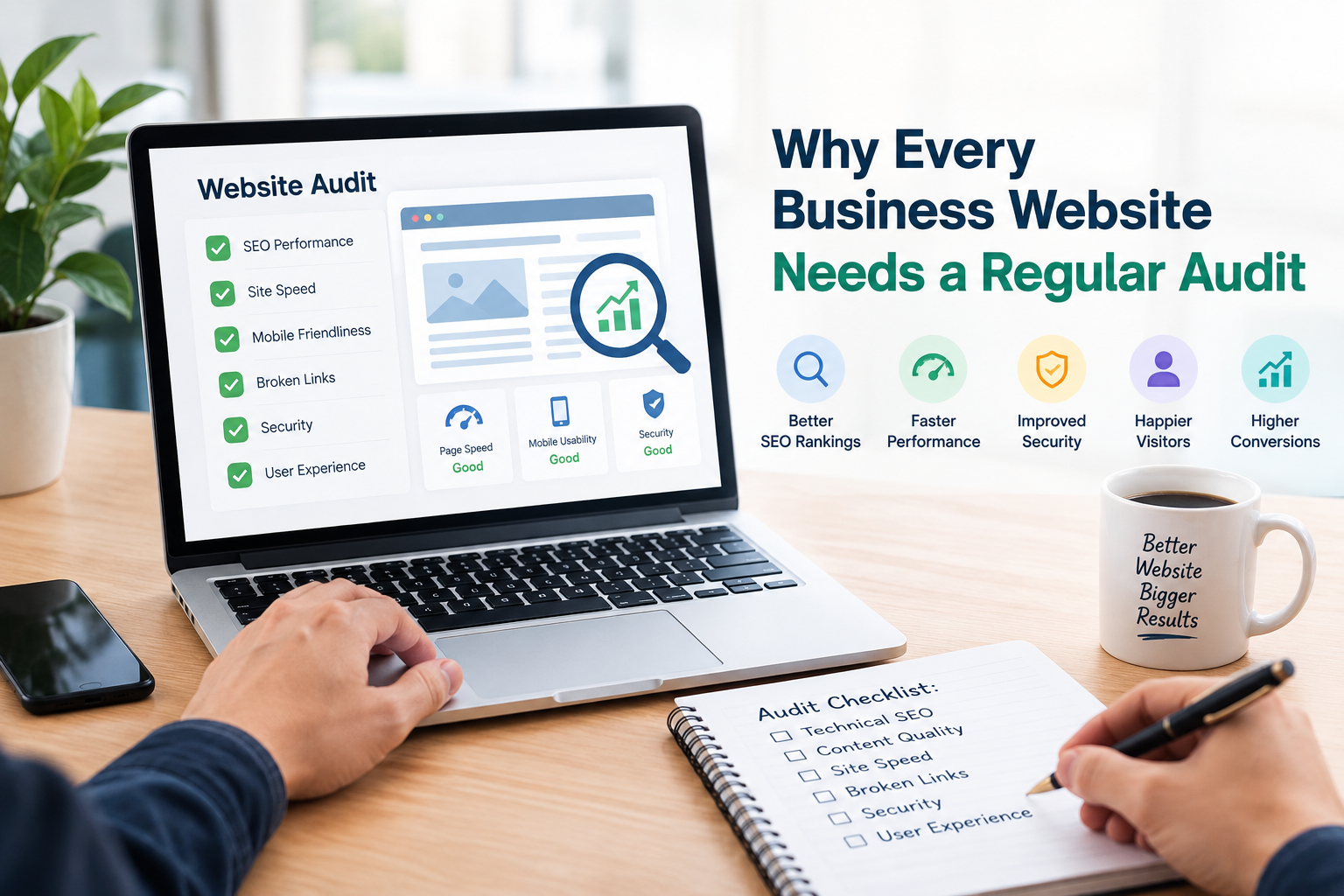
Your website might look good at first glance but that does not mean everything is working well behind the scenes. Broken links, loading pages outdated content, technical SEO problems, poor mobile performance and issues with conversions can build up over time. These problems often sneak in quietly as your website changes.
This is why a regular website audit is important for businesses.
A website audit gives you a chance to check how your website is doing overall. It helps you find problems early and decide which ones need fixing before they grow into challenges.
No matter if you run a business website, an online store, a service site or a large corporate platform regular audits can help keep your website easy to use easy to manage and accessible to everyone.
What Is a Regular Website Audit?
A website audit is a review of different parts of your website.
Depending on how the audit goes it can cover:
- Technical SEO
- How search engines crawl your site
- Whether your pages can be indexed
- Website speed
- Mobile usability
- Content quality
- links
- Website structure
- User experience
- Conversion paths
- Broken links
- Redirects
- Analytics and tracking
A regular audit means doing this kind of check on a schedule or after changes to your website.
The goal is not just to find mistakes. It is to understand which problems could hurt your website and decide what to fix
Why Do Website Problems Develop Over Time?
Websites don’t stay the same.
Businesses often:
- Add content
- Remove old pages
- Change URL addresses
- Install new plugins
- Update themes
- Redesign pages
- Add products
- Change navigation
- Move to a hosting provider
- Add tracking tools
- Update website software
Each change can bring problems.
For example deleting a page without updating links can create broken links. Changing a URL without setting up a redirect can confuse visitors and search engines. Adding images can slow down pages.
Regular audits help catch these issues
1. Find SEO Problems
Technical problems can stay hidden for a long time before they hurt your website.
A regular audit can check for:
- Problems with crawlability
- Indexing issues
- Broken links
- Server errors
- Redirect chains
- canonical tags
- Robots.txt problems
- XML sitemap issues
- Duplicate URLs
Finding these issues gives your team a clear list of things to fix.
2. Protect Your Search Visibility
Search engines need to find and understand your website’s pages.
Changes to your website can accidentally hurt your search visibility.
For instance a redesign might change URLs remove content or add technical blocks.
Regular website audits help you spot changes before they become long-term problems.
Remember, an audit cannot guarantee better rankings. Search performance also depends on content relevance, competition, authority, user intent and many other things.
3. Keep Your Website Content Up to Date
content can become less useful over time.
Information about products, services, prices, processes, statistics or industry trends may change.
A content audit can help you find pages that need:
- Updating
- Expanding
- Combining
- Rewriting
- Redirecting
- Removing
Keeping pages accurate helps visitors and supports a stronger overall website.
4. Improve Website Speed
Website performance can change as content, images, scripts and features are added.
A website that was fast two years ago might not be fast today.
Regular performance checks can find:
- Large images
- scripts
- Slow server responses
- Too many third-party tools
- Unoptimized resources
- Caching issues
Performance should be watched over time not treated as a one-time task.
5. Check Mobile Usability
Visitors may access your website from phones, tablets, laptops and desktops.
A regular audit can spot problems like:
- Hard-to-use navigation
- Small buttons
- Poorly sized images
- Hard-to-read text
- Horizontal scrolling
- Broken forms
- Slow mobile pages
Testing pages on different screen sizes can reveal issues that aren’t obvious on a desktop.
6. Find Broken Links
Websites collect links as pages get deleted or URLs change.
A regular audit can find:
- Broken internal links
- Broken external links
- 404 pages
- Incorrect URLs
- links
Fixing important broken links makes your site easier to maintain and helps visitors find what they need.
7. Improve Internal Linking
Internal links connect pages within your website.
They help visitors discover content and give search engines clues about your site’s structure.
During an audit you can look for:
- pages with few internal links
- Orphan pages
- Broken internal links
- Many links
- Missed chances to connect content
For example a blog post about technical SEO could naturally link to a Website Audit Service page.
8. Identify User Experience Problems
A website can have correct pages but still be hard to use.
A UX review can find issues with:
- Navigation
- Page layout
- Readability
- Calls to action
- Forms
- Checkout processes
- usability
- Content organization
Regular audits let businesses see their website from the visitor’s point of view.
9. Improve Conversion Opportunities
The main purpose of a business website is to get visitors to take action.
Depending on the business this could mean:
- Requesting a quote
- Calling the company
- Filling out a contact form
- Buying a product
- Booking an appointment
- Signing up for a service
An audit can reveal obstacles that make these actions harder than they should be.
For example a contact form with many fields might create unnecessary friction.
10. Check Analytics and Tracking
Website decisions rely on data.
If analytics or conversion tracking stops working after a website update your business may not know that important information is missing.
A regular audit can check if tracking is working properly for:
- Form submissions
- Purchases
- Phone clicks
- Downloads
- events
- Conversion actions
Tracking should be tested after redesigns, migrations and major technical changes.
11. Protect Your Website During Redesigns
A website redesign can bring technical and SEO changes.
Before starting a redesign audit the site and record:
- Important URLs
- Top-performing pages
- Organic traffic
- Backlinks
- Internal links
- Metadata
- Content
- Conversion pages
This data sets a baseline to compare against after the redesign.
A post-launch audit can then check whether redirects, links, indexing, tracking and performance are working correctly.
12. Identify Pages That Are Underperforming
Not every page on your website will do well.
A regular audit can help you find pages with:
- traffic
- Poor engagement
- Weak conversions
- information
- Little internal linking
- Search visibility but few clicks
These pages may be good candidates for improvement.
Of always creating new pages your business might be able to improve existing content that already has some visibility or relevance.
13. Reduce the Risk of Website Problems
maintenance is usually easier than fixing a mess after years of neglect.
Think of a website audit like a health check.
It can help you find problems early before they become harder to fix.
For example:
Small issue: One broken internal link.
Larger issue: Hundreds of links after a major URL change.
Regular monitoring helps businesses catch problems before they grow.
14. Support Your Digital Marketing Campaigns
Your website is often the destination for traffic from:
- SEO
- Google Ads
- media
- Email marketing
- Content marketing
- Referral traffic
If your website has poor landing pages, slow performance or confusing navigation other marketing efforts may not work as well.
Regular website audits help make sure your website is ready to support traffic from sources.
15. Maintain Website Security and Technical Health
Website technology changes
Depending on your platform regular maintenance might include checking:
- HTTPS
- Plugins
- Themes
- Software versions
- Forms
- Server errors
- components
A general website audit is not a full security check but it can highlight areas that need closer attention.
How Often Should You Audit Your Website?
There is no one-size-fits-all schedule.
The right frequency depends on:
- Website size
- Number of pages
- complexity
- How often you publish content
- E-commerce activity
- Website traffic
- Number of developers or editors
- How often major changes happen
A stable business website might need fewer audits than a large e-commerce site that changes often.
You should also do an audit after events, like:
- Website redesigns
- Domain migrations
- Platform changes
- Major URL changes
- Significant traffic drops
- Large content updates
Regular Website Audit Checklist
Use this checklist when reviewing your website:
- Check website speed
- Test usability
- Find broken links
- Review redirects
- Check crawlability
- Review indexability
- Check robots.txt
- Review XML sitemap
- Audit internal links
- Review content
- Check page titles
- Review descriptions
- Check canonical tags
- Review conversion forms
- Test analytics
- Check landing pages
- Review website navigation
- Monitor technical errors
What Does a Professional Website Audit Service Provide?
A professional Website Audit Service can provide a detailed review than a basic manual check.
Depending on the provider the audit may include:
Technical Analysis
Review of crawlability indexing, redirects, status codes and other technical SEO elements.
SEO Analysis
Review of on-page optimization, content, internal links, metadata and search-related issues.
Performance Analysis
Assessment of page speed and other performance factors.
UX Review
Evaluation of navigation, mobile usability, layouts and conversion paths.
Prioritized Recommendations
of simply listing hundreds of issues the report can organize findings according to their potential importance.
This makes it easier for business owners and marketing teams to decide what to work on first.
What Happens After a Website Audit?
An audit is only useful when its findings are acted upon.
A practical process is:
Audit → Identify Problems → Prioritize → Fix → Test → Monitor
Start with problems that have the connection to business objectives.
After making changes test the website again to verify that the fixes worked and did not create problems.
Final Thoughts
Every business website changes over time. Those changes can introduce technical, SEO, performance, content and user experience problems.
A regular website audit provides an opportunity to find these issues and address them before they become more difficult to manage.
The purpose of an audit is not to make a website perfect. It is to create an understanding of what is working what is not and what should be improved next.
For businesses that depend on their website for visibility leads, sales or customer communication regular auditing can be a part of ongoing website management.


