
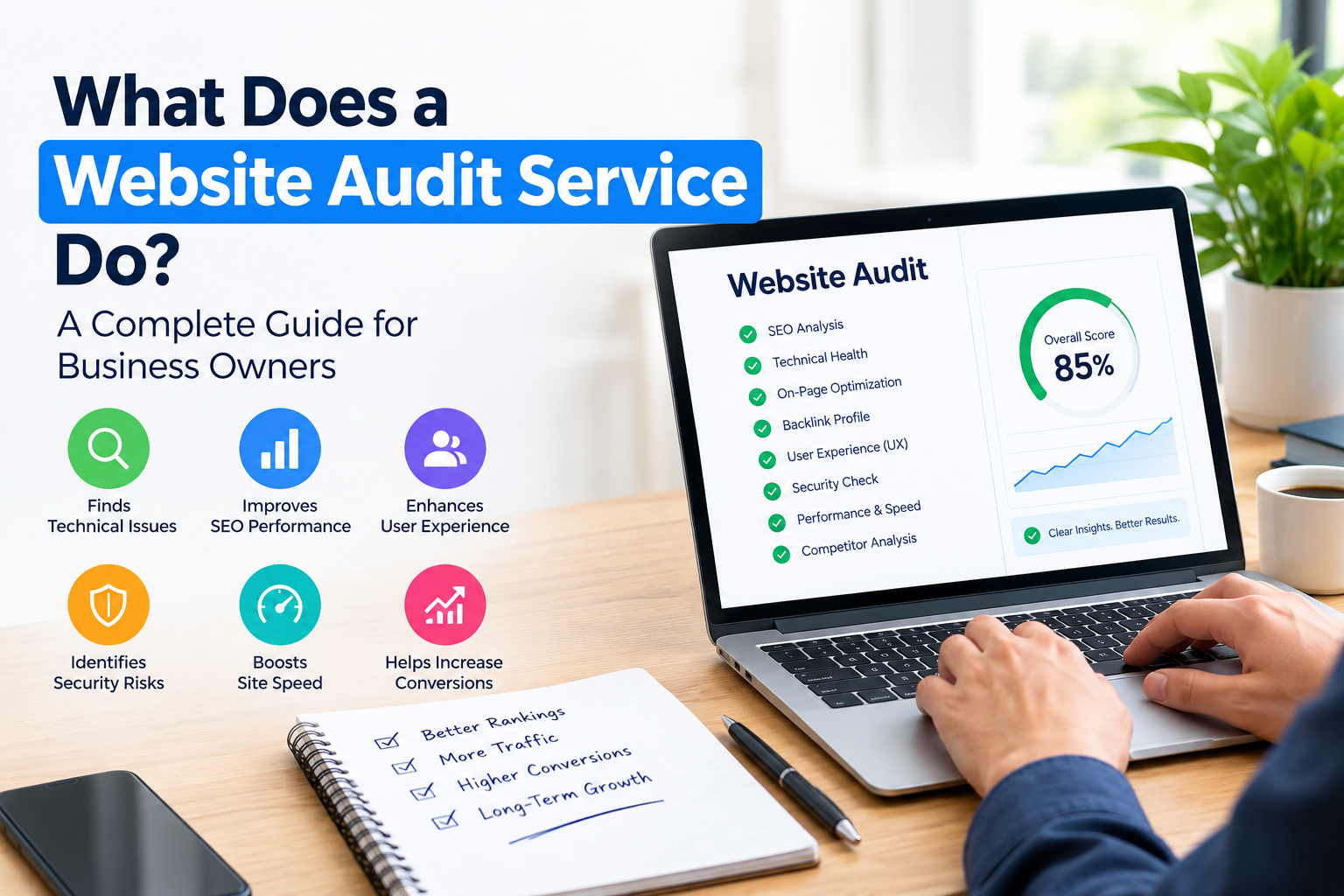
Your website is often the place that potential customers meet your business. If your website’s slow hard to navigate, not well optimised for search engines or full of technical issues you might be losing valuable opportunities without knowing it.
A Website Audit Service looks at your website from angles to find problems that can hurt search visibility, user experience, performance, security and conversions.
For business owners a professional audit gives a picture of what works what needs attention and which improvements should come first.
What Is a Website Audit Service?
A Website Audit Service is a review of your websites overall health and performance.
Depending on the provider and audit scope it may examine:
- SEO
- Website crawlability
- Indexing
- Website speed
- usability
- On-page SEO
- Content
- Internal links
- Website structure
- User experience
- Conversion paths
- links
- Redirects
- Analytics and tracking
The goal is not simply to find as errors as possible. A useful audit links problems to their impact and gives practical advice for fixing them.
Why Do Businesses Need a Website Audit?
Websites change constantly.
You may add pages remove old content, install plugins, change URLs redesign templates or move to a different platform.
Over time these changes can create SEO problems.
A website audit can help businesses spot issues such as:
- Pages that cannot be crawled
- Broken links
- Slow-loading pages
- Missing metadata
- internal linking
- Duplicate content
- Mobile usability problems
- conversion paths
- Indexing problems
Finding these issues early can make website maintenance and improvement easier.
What Does a Website Audit Service Check?
A professional audit can cover important areas.
1. Technical SEO
Technical SEO focuses on parts of your website that help search engines reach, understand and process your pages.
An audit may review:
- Robots.txt
- XML sitemap
- tags
- HTTP status codes
- Redirects
- Indexability
- Crawlability
- Structured data
- HTTPS
- URL structure
Technical problems do not always show up to website visitors, which’s why specialised auditing tools can be useful.
2. Website Crawlability
Search engines need to find and access your pages.
A crawlability review checks whether important pages can be reached efficiently by search engine crawlers.
Potential problems include:
- Incorrect robots.txt rules
- Broken internal links
- Orphan pages
- Redirect chains
- Server errors
- site architecture
Fixing these problems can create a cleaner technical foundation for your website.
3. Indexability
Being crawlable does not automatically mean a page will be indexed.
A Website Audit Service can check whether important pages have restrictions or technical signals that could stop them from appearing in search results.
The audit may review:
- Noindex directives
- Canonical URLs
- pages
- Indexing status
- Search engine accessibility
This helps pages that search engines can access from pages that are actually eligible for indexing.
4. Website Speed and Performance
Website performance has an effect on user experience.
A professional audit may spot:
- Large images
- Excessive JavaScript
- CSS
- Slow server responses
- Unnecessary third-party scripts
- Poor caching
- Resource-loading problems
Performance analysis can also include Core Web Vitals and other page experience measurements.
The goal is to find ways to make important pages faster and easier to use.
5. Mobile Usability
Your website should give an experience across different devices.
A mobile audit may check:
- Text size
- Buttons
- Navigation
- Forms
- Images
- Page layout
- loading speed
- Horizontal scrolling
Problems that are barely noticeable, on desktop can become big on smaller screens.
6. On-Page SEO
A website audit can look at how each page’s set up for search.
This may include:
- Page titles
- Meta descriptions
- H1 headings
- Heading structure
- Keyword targeting
- Image alt text
- Links
- Content relevance
The goal is not to put keywords all over. Good on-page SEO helps search engines and visitors know what each page is about.
7. Content Quality
Content is another part of a website audit.
An audit can identify:
- information
- Thin pages
- Duplicate content
- Pages targeting topics
- Missing topics
- Poorly structured content
Instead of always making more content businesses can use audit findings to make existing valuable pages better.
8. Internal Linking
Internal links connect pages inside your website.
A good linking structure lets visitors jump between related topics and finds important pages easier.
An audit may identify:
- Orphan pages
- Broken links
- Pages with internal links
- Overly deep pages
- Missed linking opportunities
For example a blog article about SEO can link naturally to a relevant Website Audit Service page when talking about professional technical reviews.
9. Website User Experience
A website can rank high. Still give a bad experience.
A UX-focused audit may review:
- Navigation
- Page layout
- Readability
- Calls to action
- Forms
- Experience
- Content organization
- Trust elements
The goal is to see if visitors can find info fast and finish key actions.
10. Conversion Optimization
Businesses usually want their websites to do more than just attract visitors.
They may want visitors to:
- Submit a contact form
- Request a quote
- Purchase a product
- Book an appointment
- Call the business
- Subscribe to an email list
A website audit can check if conversion paths are clear and if any unnecessary barriers exist.
For example a hard contact form may stop users from sending an inquiry.
11. Links and Redirects
Broken links can frustrate visitors and make managing the website harder.
An audit can find:
- 404 pages
- Broken internal links
- Broken external links
- Redirect chains
- Redirect loops
- Incorrect redirects
Important redirects should send users to the relevant page instead of making extra chains.
12. Website Security and Technical Health
Depending on the scope a website audit can also check security and tech health.
This may include:
- HTTPS implementation
- Security-related warnings
- Outdated components
- Plugin issues
- Server errors
- Form functionality
A security check might need experts but a general website audit can still spot clear tech concerns.
13. Analytics and Tracking
Accurate data is essential for checking website performance.
An audit may review whether important actions are being tracked correctly including:
- Form submissions
- Purchases
- Phone clicks
- Downloads
- Key user interactions
If tracking is broken business owners may make decisions with misleading data.
What Does a Website Audit Report Include?
A professional audit report should be clear to both non-technical readers.
It may include:
Executive Summary
A overview of the most important findings.
Technical Findings
Details about crawlability, indexing, speed, redirects and other technical issues.
SEO Findings
Information about, on-page SEO, content, internal links and search visibility.
UX Findings
Problems affecting navigation, mobile usability and user experience.
Recommendations
Specific actions that can be taken to fix the identified problems.
Priority Levels
Issues may be organized by their impact and urgency.
A good report should help you know what needs to be fixed and what should be fixed first.
What Happens After a Website Audit?
An audit is most useful when its findings become action.
A typical process may look like this:
Audit → Findings → Prioritization → Implementation → Testing → Monitoring
Start with issues that have the possible impact on business or technical performance.
For example fixing a page that is blocked from search engines may come before correcting a minor metadata issue on a low‑value page.
After the fixes are put in place the website should be tested again to make sure the problems are solved.
Website Audit vs. SEO Audit
The two terms are sometimes used the way but they can cover different areas.
A website audit may look at the health of a website, including:
- Technical performance
- SEO
- UX
- Content
- Mobile usability
- Conversions
An SEO audit usually looks at how well a site shows up in search results and how it can be improved.
The exact scope depends on the service provider so business owners should always verify what is included before buying an audit.
When Should You Hire a Website Audit Service?
A professional audit can be useful when:
- Organic traffic has dropped
- Your website is slow
- Leads have declined
- Rankings have changed
- You are planning a redesign
- You are launching a website
- You are changing domains
- Your website has thousands of pages
- Your site has accumulated issues
- You are investing heavily in marketing
It can also serve as a regular health check for websites that are vital to business operations.
How to Choose a Website Audit Service
Before hiring an audit provider ask what the service really covers.
Important questions include:
- What areas of the website will you audit?
- Will you review SEO?
- Will you check crawlability and indexability?
- Will you analyze website speed?
- Will you review usability?
- Will you provide a written report?
- Will the report explain how to fix the problems?
- Are recommendations prioritized?
- Will you review conversions and UX?
- Is post-audit support available?
Avoid choosing a service only because it says it will find issues.
A useful audit should focus on problems and practical solutions.
Website Audit Checklist, for Business Owners
Before requesting an audit you can perform a review of:
- Website loading speed
- Mobile usability
- Navigation
- Broken links
- Page titles
- Meta descriptions
- H1 headings
- Internal links
- Robots.txt
- XML sitemap
- HTTPS
- Redirects
- 404 errors
- landing pages
- Contact forms
- Conversion tracking
This initial review can help you spot some problems but a professional audit can give a deeper look.
How a Website Audit Supports Long-Term Growth
A website audit should not be seen as a one‑time technical task.
It can give a way to see how well a website does in technical, SEO, UX, content and conversion areas.
Businesses can use audit findings to:
- Improve SEO
- Update content
- Improve page speed
- Strengthen linking
- Improve navigation
- Increase mobile usability
- Optimize conversion paths
- Protect traffic during redesigns
As the website changes new audits can help spot new problems.
Final Thoughts
A Website Audit Service gives a way to see how well a website does in technical, SEO, UX, content and conversion areas.
For business owners the biggest benefit is clarity. Of guessing why traffic falls or why visitors do not convert an audit can point to specific areas that need attention.
The valuable audit is not the one that lists the most errors. It is the audit that explains which problems matter why they matter and what steps to take next.
If a website is a part of marketing and sales a professional website audit can give a useful roadmap to improve its health and performance.
Frequently Asked Questions
What does a Website Audit Service do?
It checks a websites health, SEO, performance, content, usability and other factors that can affect how it shows up in search and business results.
How often should I audit my website?
The best interval depends on how big the website’s how often it changes. Audits are especially helpful after a redesign a move to a new server, major technical updates or a sudden jump in traffic.
How long does a website audit take?
The time required depends on how large and complicated the website’s how many pages it has and what the audit covers. A small business website usually needs analysis than a large e‑commerce site.
Does a website audit improve Google rankings?
An audit itself does not directly lift rankings. It only finds problems and opportunities. Whether rankings improve depends on how the fixes are done and other search factors.
Is a website audit the same as an SEO audit?
Not always. An SEO audit usually looks at search optimization. A full website audit can also examine user experience, speed, content, sales conversions and overall technical health.
What is included in a website audit report?
A professional report can contain findings, SEO issues, content notes, user experience problems, speed data, a list of priorities and suggested next steps.
Can a website audit find SEO problems?
Yes. A technical audit can spot problems with crawlability, indexability, redirects, canonical URLs, XML sitemaps, robots.txt status codes and other technical matters.
Should I audit my website before a redesign?
Yes. Checking the website before a redesign helps spot pages, current SEO performance, technical glitches, backlinks and URLs that should stay safe during the redesign.
Is a website audit worth it for a small business?
It can be useful when the website is key, to getting leads, sales or organic traffic. The value comes from the problems found and the fixes that can be made.
What should I do after receiving a website audit?
First rank the findings by importance. Then fix the critical issues test the changes and watch how the website behaves after. A second audit can confirm that the problems are gone.


