
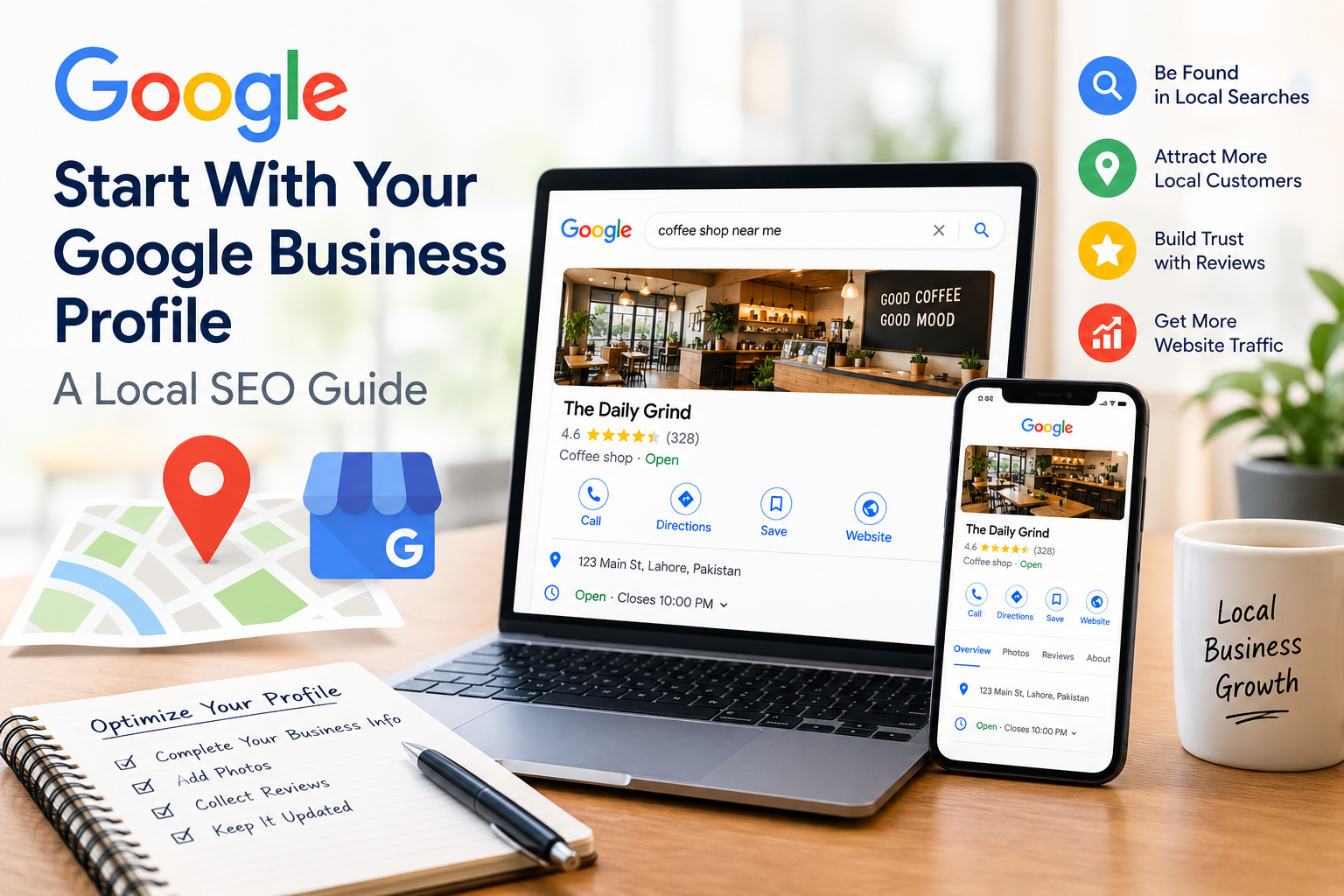
When people search for a business they often want quick answers. They may need your phone number, address, opening hours, services or directions. A Google Business Profile helps put this information where potential customers are already searching.
However simply creating a profile is not enough. An incomplete outdated or poorly managed profile can make it harder for customers to understand your business and take the step.
Starting with your Google Business Profile is one of the first steps when improving your local SEO. This guide explains what to check what to optimize and how to keep your profile useful over time.
What Is a Google Business Profile?
A Google Business Profile is a business listing that can appear in Google Search and Google Maps.
Depending on the type of business and information available customers may see details such as:
- Business name
- Address
- Phone number
- Website
- Opening hours
- Business category
- Services
- Photos
- Customer reviews
- Location information
For businesses the profile can act as an important connection between searchers and the business.
Why Your Google Business Profile Matters
Your profile can help potential customers find information without visiting several different websites.
For example someone searching for a service may want to know:
- Is the business nearby?
- Is it open today?
- How can I contact it?
- What services does it offer?
- What do previous customers say?
- Where is it located?
A complete and accurate profile makes these answers easier to find.
It can also support your local SEO strategy by providing Google with clear information about your business.
Claim and Verify Your Business Profile
The first step is making sure you control the business profile.
If a profile already exists, check whether it belongs to your business and whether you have access to manage it.
Google may require verification to confirm that the business is legitimate and that you are authorized to manage the profile.
Avoid creating profiles for the same business simply because you want additional visibility. Focus on maintaining the profile and keeping its information accurate.
Check Your Business Information
Your basic business details should be accurate and consistent.
Review:
Business Name
Use your real-world business name than adding extra keywords simply to influence search rankings.
For example if your business is called “Bright Dental Clinic ” don’t change the name to something like “Best Affordable Dentist in Lahore – Bright Dental Clinic” unless that is genuinely the businesss established name.
Address
If customers visit your location make sure the address is correct.
Check the address against your website and other important business listings.
Phone Number
Use a phone number that customers can actually reach.
Test contact details periodically particularly after changing staff, phone systems or business locations.
Website
Make sure your profile links to the website or relevant landing page.
A broken or outdated website link can create friction for potential customers.
Opening Hours
Keep your hours updated, including holiday hours where applicable.
Incorrect opening times can frustrate customers. May result in lost visits or calls.
Choose the Right Business Category
Your primary business category helps describe what your business does.
Choose the category that accurately represents your main business activity.
You may also have the option to add secondary categories.
Don’t select categories simply because they contain keywords. Relevance should come first.
For example a restaurant should choose categories that accurately describe the type of restaurant than unrelated categories that happen to receive more searches.
Add Your Services and Products
If your business offers services or products make that information easy for customers to understand.
Depending on your business type you may be able to add:
- Service names
- Product information
- Descriptions
- Pricing information where
- Relevant categories
Keep descriptions clear and useful.
Of writing a paragraph filled with repeated location keywords explain what the service actually includes and who it is designed for.
Use High-Quality Business Photos
content can help customers understand what to expect from your business.
Consider adding photos of:
- Exterior
- Interior
- Products
- Services
- Staff
- Facilities
- Work examples
Use clear current images that accurately represent your business.
Avoid misleading stock photos that could give customers the impression.
Build Trust With Customer Reviews
Reviews are a part of a businesss online reputation.
Encourage customers to leave honest feedback about their experiences.
However don’t try to manufacture reviews. Buying reviews creating accounts or asking people who have never used your business to leave reviews can damage trust.
Respond to Reviews
Respond to both positive and negative reviews where appropriate.
For feedback a simple thank-you can show appreciation.
For feedback avoid becoming defensive. Acknowledge the concern provide information and move the conversation offline when personal details are involved.
Your responses can also help potential customers see how your business handles feedback.
Keep Your Profile Active and Accurate
Local SEO isn’t something you set up once and forget.
Review your Google Business Profile regularly.
Check whether:
- Your hours are still correct
- Your services have changed
- Your phone number works
- Your website URL is
- Your photos are up to date
- Your business category remains appropriate
- Customers are leaving new reviews
Business changes should be reflected online as soon as reasonably possible.
Connect Your Profile With Your Website
Your Google Business Profile and website should provide information.
Make sure your website clearly shows:
- Business name
- Location
- Contact information
- Opening hours
- Services
- local information
Your website can provide more detailed information than your profile while your profile can help searchers discover the website.
This creates a consistent customer journey.
Common Google Business Profile Mistakes
- Adding Keywords to the Business Name
Don’t turn your business name into a list of keywords. Use the business name.
- Using Incorrect Business Information
An outdated address, phone number or opening time can cause confusion.
- Ignoring Reviews
Unanswered reviews can make a business appear less engaged with its customers.
- Using Misleading Photos
Your images should accurately represent the real business.
- Creating Duplicate Profiles
Multiple profiles for the same location can create confusion and potential listing problems.
- Neglecting Profile Updates
Business information changes over time. Your profile should change with it.
How to Measure Your SEO Progress
After optimizing your profile monitor meaningful business outcomes.
Depending on your business useful metrics may include:
- Calls from search
- Website visits
- Direction requests
- Customer inquiries
- Review volume
- Local search visibility
- Leads and sales
Don’t focus on one metric. A successful local SEO strategy should ultimately help real customers discover and interact with your business.
Google Business Profile Optimization Checklist
Use this checklist:
- Business profile is claimed and verified
- Business name is accurate
- Address is correct
- Phone number works
- Website link is correct
- Opening hours are updated
- Primary category is relevant
- Appropriate services are listed
- Quality business photos are added
- Genuine customer reviews are encouraged
- Reviews receive appropriate responses
- Business information matches the website
- Profile is reviewed regularly
Frequently Asked Questions
Is Google Business Profile free?
Google Business Profile is a free business listing service from Google.
Does a Google Business Profile guarantee a Map Pack ranking?
No. Creating or optimizing a profile does not guarantee a position in local search results.
How often should I update my Google Business Profile?
Review it regularly and update it whenever important business information changes. Seasonal businesses should also pay attention to opening hours.
Should I add keywords to my business name?
Use your business name rather than adding keywords solely for SEO purposes.
Are Google reviews important for businesses?
Reviews can help potential customers evaluate a business and contribute to its online reputation. Businesses should focus on earning customer feedback.
Final Thoughts
Your Google Business Profile is a starting point for building a stronger local online presence. Accurate business information, the category, useful services, quality photos genuine reviews and regular updates can make the profile more helpful to potential customers.
Local SEO involves more, than one listing. Your website, citations, reviews, content, technical SEO and customer experience should all support the accurate picture of your business.
Start with your Google Business Profile make sure the fundamentals are correct and then build the rest of your SEO strategy around providing useful information and a trustworthy customer experience.


