
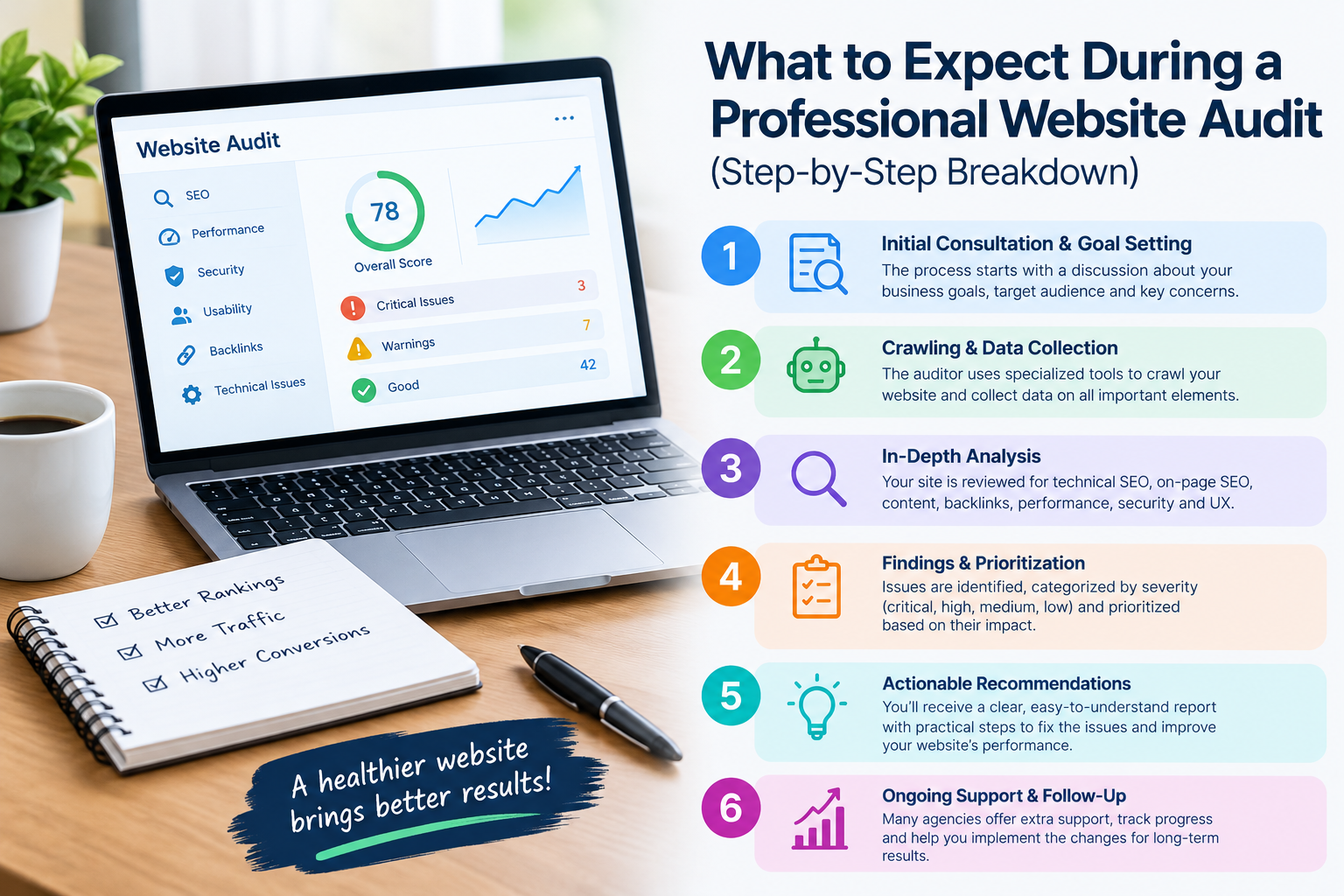
A professional website audit goes beyond simply running a website through an automated SEO tool.
A complete website audit looks at how a website works how easily search engines can read it how users feel when they visit it and whether its content helps the business reach its goals.
If you have never had a website audit before the process may seem confusing. In reality a professional audit usually follows a set of steps.
Here is what you can expect.
Step 1: Understanding Your Website and Goals
The website audit normally starts with a conversation about the website.
An SEO professional may want to learn about:
- What products or services you offer
- Who your target audience’s
- Your main competitors
- Your most important pages
- Your current traffic sources
- Your business goals
- Problems you have already noticed
This information gives context to the technical findings.
For example an online store and a local service business may need different audit priorities.
Step 2: Technical SEO Analysis
The next stage looks at the health of the website.
The auditor may examine:
- Crawlability
- Indexing
- Robots.txt
- XML sitemap
- HTTPS
- Redirects
- Broken links
- Canonical tags
- Duplicate URLs
- Status codes
- URL structure
The goal is to find barriers that could stop search engines from discovering, crawling or correctly understanding important pages.
Why Technical SEO Matters
A website can have content but still have visibility problems if important pages cannot be properly crawled or indexed.
Technical SEO gives the foundation on which other optimization efforts depend.
Step 3: Website Speed and Core Web Vitals
Website performance is another part of the audit.
The auditor may review how quickly pages load and how smoothly users can interact with them.
Common areas include:
- Contentful Paint
- Interaction to Next Paint
- Cumulative Layout Shift
- Image optimization
- JavaScript
- CSS
- Server response time
- Mobile performance
The audit should not only list performance scores. It should explain which issues hurt the website and suggest fixes.
Step 4: Mobile-Friendliness Check
A professional website audit also checks the experience.
The reviewer may check whether:
- Text is easy to read
- Buttons are easy to tap
- Navigation works
- Images fit the screen
- Forms work correctly
- Important content shows properly on mobile devices
Because many users use smartphones mobile usability can directly affect the overall user experience.
Step 5: On-Page SEO Review
The next step usually looks at pages.
The auditor may review:
- Page titles
- Meta descriptions
- H1 headings
- Heading structure
- Keyword targeting
- Content quality
- Internal links
- Image optimization
- Search intent
The goal is not to sprinkle keywords. Instead the auditor checks whether each important page clearly answers the user’s search intent and states its topic.
Step 6: Content Audit
A professional website audit often includes a review of existing content.
Pages may be classified as:
- Strong and worth keeping
- Useful but needing updates
- incomplete
- Outdated
- Duplicate
- Poorly targeted
- No longer relevant
This helps businesses decide where to focus their content work.
Sometimes improving an existing page is easier than creating a brand article.
Step 7: Internal Linking and Site Architecture
The auditor then looks at how pages connect with one another.
A well‑organized website should make it easy for visitors and search engines to move between topics.
For example a blog post about a service could naturally link to the main service page and related resources.
The audit may point out pages that’re hard to reach or important pages that get too few internal links.
Step 8: Backlink Profile Review
External links can also be examined during a website audit.
The auditor may review:
- Number and quality of referring domains
- Relevant backlinks
- Lost links
- Suspicious patterns
- Anchor text
- Links pointing to pages
The purpose is to understand the site’s overall backlink profile rather than chase a large number of links.
Step 9: Competitor Analysis
A professional website audit may also compare the site with competitors.
This can reveal differences, in:
- Content coverage
- Site structure
- Keyword targeting
- Page depth
- User experience
- Internal linking
- Backlink profiles
Competitor analysis can help spot gaps that might otherwise be missed.
Step 10: SEO Review
For businesses serving a specific city or region the audit may include local SEO.
This can involve checking:
Business information consistency
Local landing pages
Google Business Profile optimization
Reviews
keywords
Location‑specific content
NAP consistency
Local SEO is particularly important for businesses that depend on customers in a specific geographic area.
Step 11: Prioritizing the Problems
One of the useful parts of a professional website audit is the act of prioritization.
A long list of one hundred problems is not particularly helpful if you do not know what to fix
A good audit separates findings into categories such as:
High Priority
Issues that may significantly affect crawling, indexing, conversions or important pages.
Medium Priority
Problems that should be addressed but may not require action.
Low Priority
Minor improvements that can be handled as part of website maintenance.
This creates a roadmap rather than simply presenting a list of errors.
Step 12: Receiving the Final Audit Report
At the end of the process you should receive a report explaining the findings.
A useful report generally includes:
problems
Evidence
Affected pages
Recommended solutions
Priority levels
Technical observations
Content recommendations
Next steps
Some audits may also include screenshots, spreadsheets, crawl data or implementation notes.
What Happens After the Audit?
The audit itself does not improve a website.
The improvements happen when the recommendations are implemented.
A typical post‑audit workflow might look like this:
Audit → Prioritize → Fix → Test → Monitor → Improve
After changes are made performance should be monitored over time.
Traffic, rankings, conversions, indexing and technical health can then be reviewed to determine whether the changes produced the intended results.
Final Thoughts
A professional website audit gives you a picture of how your website is performing and where improvements are needed.
It can uncover SEO problems, content weaknesses, performance issues, UX problems, internal linking gaps and other opportunities.
Importantly a good audit should leave you with an actionable plan.
Of guessing what might be wrong, with your website you can use the audit findings to decide which improvements deserve attention first.


